
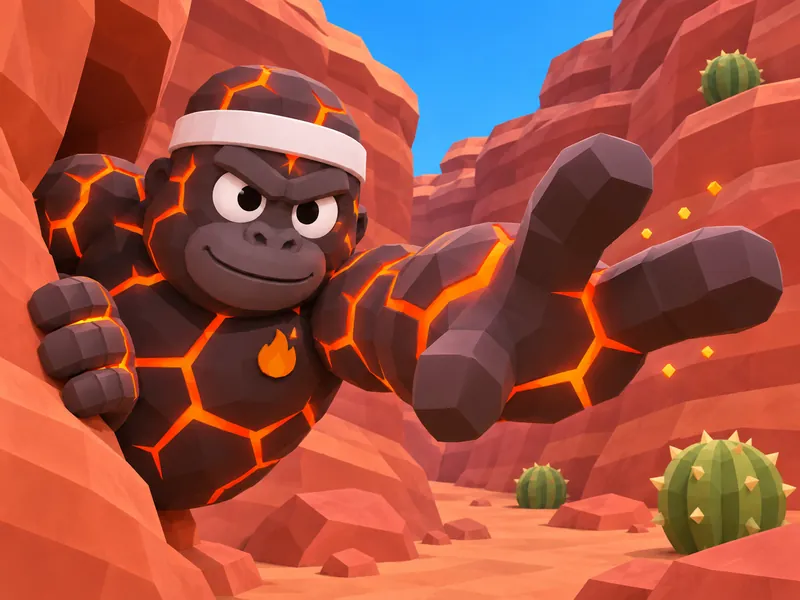
EMBERDASH
Lava tagger- Starts every round as the lava monke
- Reaches out of the frame to tag you
- The sweatband stays on through every chase
This free Gorilla Tag OC creator turns your monke into a square profile picture. Pick any fur color and a skin, choose a face, then stack cosmetics the way the wardrobe does: a hat, a face item, a badge, an outfit and something to hold. Add a pose and a background, and the generator draws a crop-safe PFP in the game's chunky low-poly 3D look.
Ideas
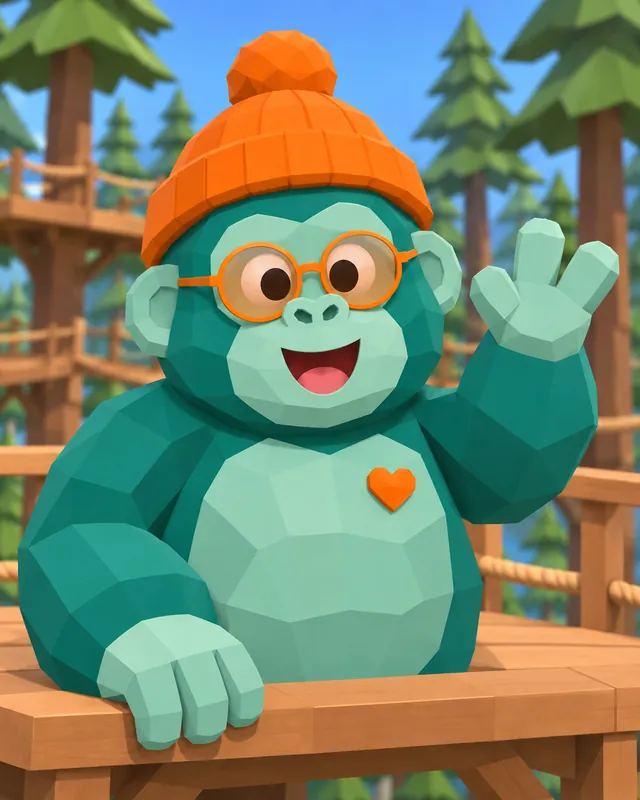
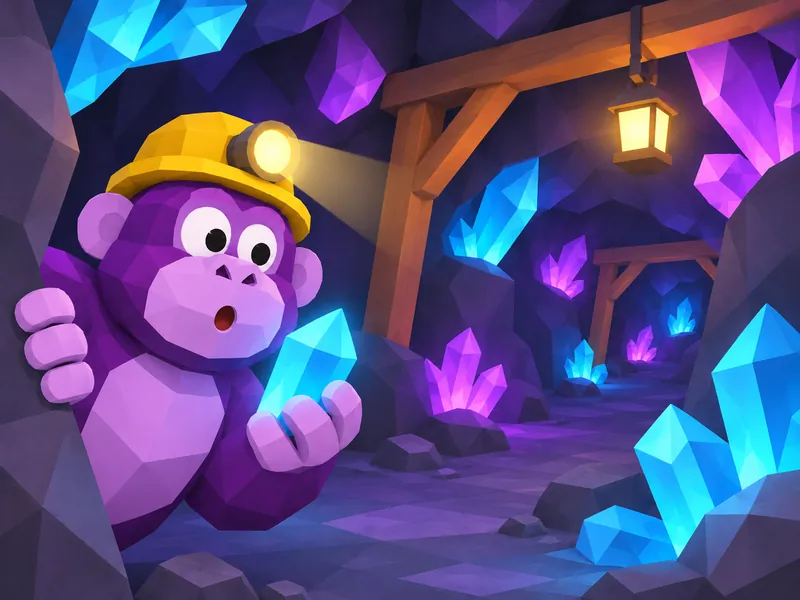
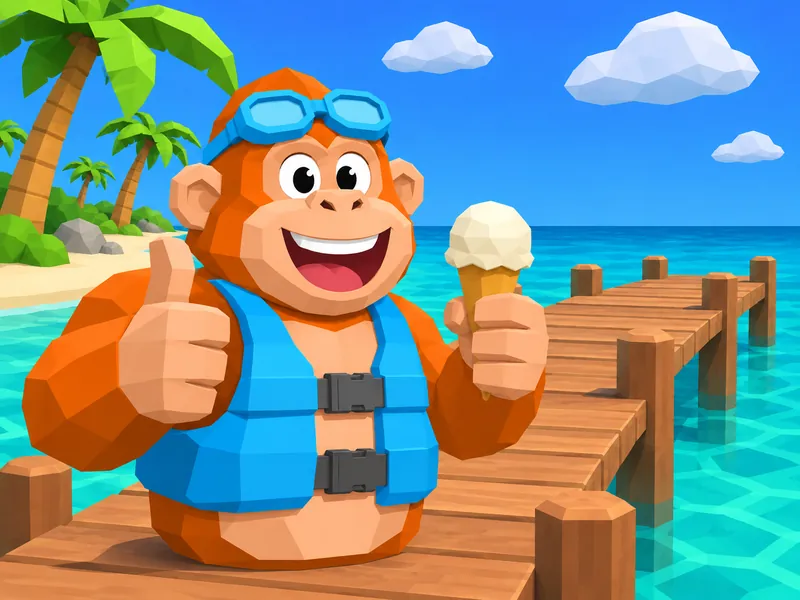
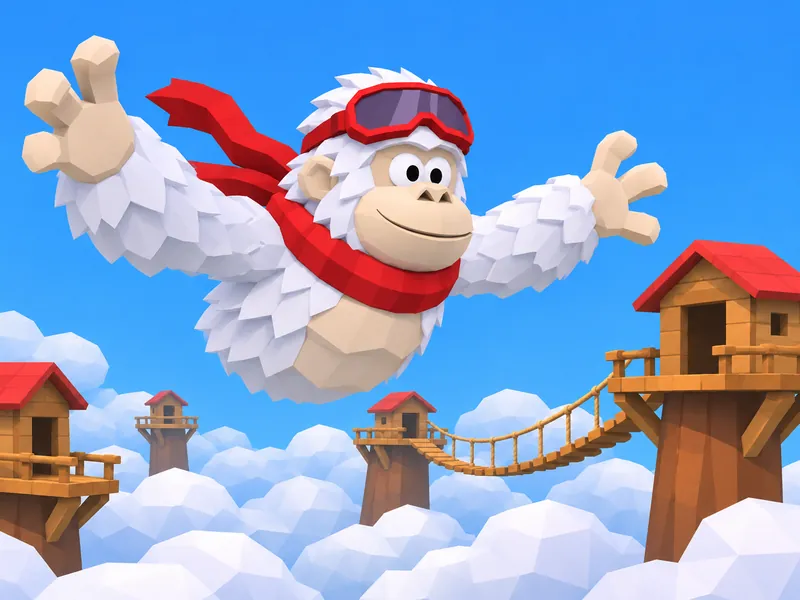
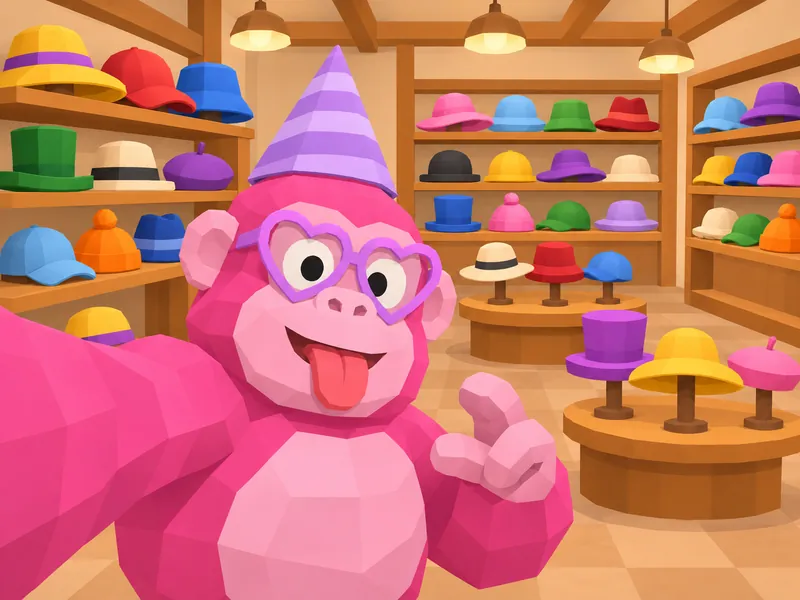
Each card is a different monke built for a profile picture: a skin, a face, two or three cosmetics, a pose and a place. Press Use this idea to load the fields, then change the fur color, swap the hat or type your own username. The landscape previews give each monke room to breathe; your generated PFP uses a square canvas. None of them copies a real player, a creator, a store bundle or the game's mascot.

Know the rules
Every Gorilla Tag PFP starts from the same body: a legless gorilla, officially nicknamed a monke, that moves by pushing off the world with its hands. What changes is the skin the game puts on it and the cosmetics the player chooses. The notes below come from the Gorilla Tag Wiki and Wikipedia, and each one ends with what it means for your picture. Press Make one to load a matching starting point.
Sources: Wikipedia: Gorilla Tag; Gorilla Tag Wiki: Wardrobe; Gorilla Tag Wiki: Gorilla OS; Gorilla Tag Wiki: Skins
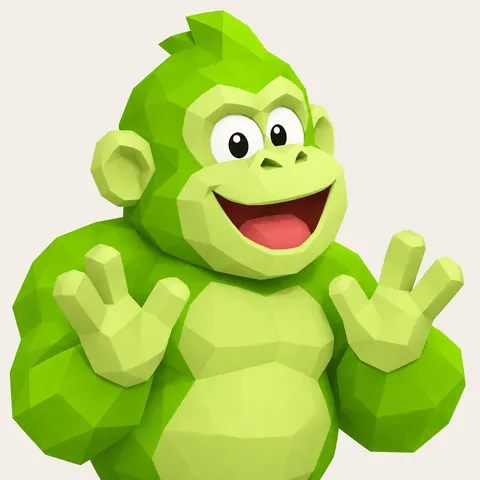
The regular skin is the one most players show off, and it is the only one whose color you choose. At the wardrobe you set your color with sliders that each run from 0 to 9; the old color tab on the in-game computer labeled them red, green and blue, which works out to 1,000 possible shades. The official plush shows the classic build: a dark gray gorilla with lighter fur on its chest, face and ears, white eyes with black pupils and a curved smile. For your PFP, pick the closest Fur color swatch, then name the exact shade in the description box, such as dusty peach or mint with a gray tint. The image model reads words, not slider numbers.
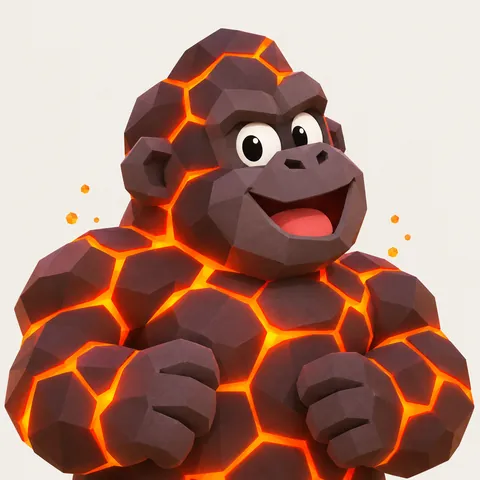
Infection is the game's default mode. One random player starts as the Lava Monke, and everyone they tag turns to lava too, until the whole room is caught and a new round begins. The lava skin replaces your fur with a material that looks like molten rock, and flame particles were added to it in May 2021. A lava PFP says you are the one doing the chasing. It pairs well with a Determined face and the Tag reach pose, where one long arm stretches out of the frame toward the viewer. Leave Fur color empty, since lava covers it, and keep the glow warm and fun rather than scary.
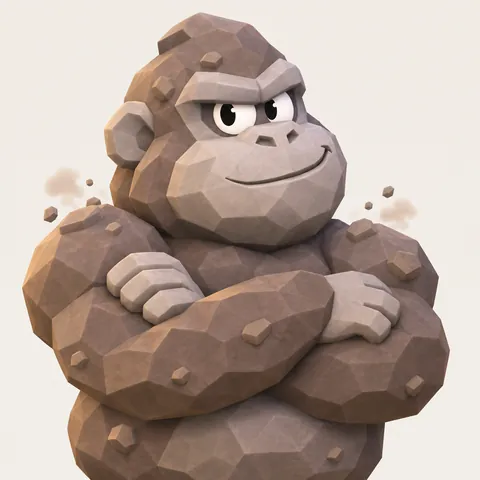
When a room has three players or fewer, Infection turns into regular tag. The player who is it wears a rock skin instead of lava, there can only be one rock monke in the room at a time, and that player gets a small speed boost to catch the others. Rock particles were added to the skin in June 2021, so a little dust drifting off the shoulders is true to the game. A rock PFP is a nice pick if you mostly play with a few friends in private rooms. Try it with a Smug or Sneaky face and a flashlight in the mines background.
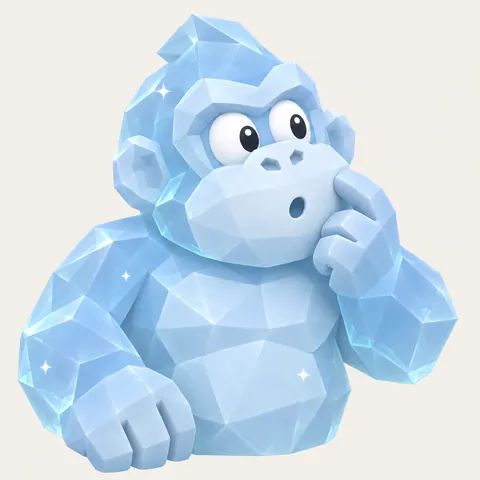
In Hunt, every player gets a target shown on a hunt watch and tries to tag that one player. Tagged players turn into a sped-up Ice Monke for a while, and they can slow the hunters down by tagging them back. The round ends when only two hunters are left. The taggers in Freeze Tag, a limited mode that has since been removed, wore the ice skin too. Ice reads as pale blue frosted crystal, so it looks great with a Surprised face and the Hands on glass pose, as if your monke just got frozen against the screen.
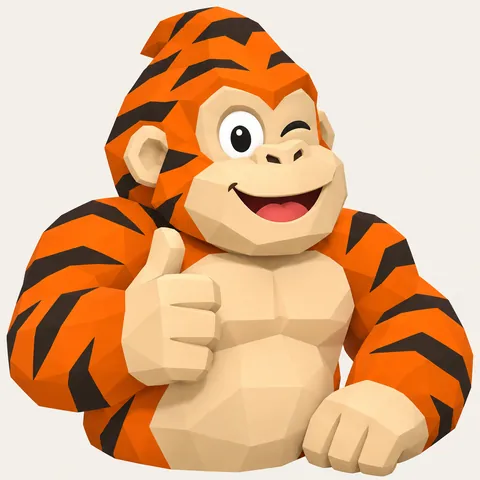
Furs are a cosmetic category that replaces your skin instead of sitting on top of it. The wiki lists feathers, dragon scales, tiger and zebra stripes, leopard-shark spots, a gorilla fur and a cyber suit. A fur only shows when you would normally wear the regular skin, so it disappears while you are tagged or in a paint battle. On this page, the Stripes tile and the chips under it give you the same kind of whole-body look in generic form: stripes, feathers, scales, spots or a neon suit. Pick one and leave Fur color empty, or use Fur color to tint the base under the pattern.
The wardrobe sorts cosmetics into ten categories: Hats, Shirts, Badges, Arms, Paws, Faces, Pants, Chests, Backs and Furs, with a mannequin that previews the result. Paw cosmetics, called holdables until version 1.1.79, are held in the hand and stored on the forearm. Players buy cosmetics with Shiny Rocks, and the game hands out 100 of them every 24 hours to players who are online that day. A PFP has room for fewer items than a full outfit. Start with a hat, add one face item and one badge, then decide whether the outfit or the held item matters more, and use Cosmetics color to tie them together.
Gorilla Tag's monkes have no legs. You move by pushing your hands against the ground and walls, which is why the game feels like climbing and swinging. According to Wikipedia, a friend of creator Kerestell "Lemming" Smith said the movement looked like a gorilla, and that became the avatar. The same article says he chose a low-poly art style inspired by indie games that look like first PlayStation titles. The wiki notes every skin has three fingers on each hand. For your PFP, choose poses that use the arms, such as Mid-swing, Tag reach or Upside down, and expect three-fingered hands in the result.
Names and details
Gorilla Tag usernames are short and loud. The name screen on the in-game computer shows names in capital letters, names top out at twelve letters and numbers, and a new player starts as GORILLA plus four random digits until they pick something better. Lobbies are full of one-word mashups: a snack or a color glued to a move, a nickname with a number on the end, a silly title in front of a nickname. The mixer builds names the same way, always twelve characters or fewer. Every possible result was checked against the developer, creator, critter and character names on the Gorilla Tag Wiki, so none of them copies a famous handle. A name you pick goes on your PFP card, never into the picture itself.
A snack or nature word plus a move, one word, twelve letters at most.
Choose the one thing friends should spot first in a crowded lobby. It goes into the Signature detail field.
Guide
Work from the monke outward: body, face, cosmetics, then the frame. The generator fields run in the same order, so you can fill them in as you read. If you already have a monke in the game, open the wardrobe preview first and copy what you see.
Pick Classic if you want your own fur color, then choose the closest swatch and write the exact shade in the description box. The game mixes fur from sliders that run from 0 to 9, so monkes in a lobby come in every shade from mint to maroon. Pick Lava, Rock or Ice if you want the look of a tagger, and leave Fur color empty, since those skins cover the fur in the game too. Fur cosmetics such as stripes, feathers, scales or a cyber suit also replace the whole coat, which is a quick way to stand out in a room full of solid colors.
A monke face is simple: round white eyes with black pupils and a small mouth, like the official plush. That simplicity is why one expression can carry a whole profile picture. Pick a Face chip that matches how you play: Determined for a tagger, Goofy for the lobby clown, Sleepy for the monke who idles on the stump between rounds. Face items sit on top, so round shades or ski goggles still leave the mouth visible. If you pick glasses and a big grin, skip the mustache. Two face items at once crowd a small avatar, and the expression is what people notice first.
The wardrobe sorts cosmetics into ten slots, and a PFP has room for about three before the picture turns into clutter. Start with a hat, add one face item and one badge, then decide whether the outfit or the held item matters more. Cosmetics color tints them together, which keeps the set looking planned instead of random. Think about size: at chat size a beanie or a crown reads instantly, while a tiny pin may vanish. If one item is the heart of your look, put it in Signature detail too, so the generator treats it as the thing it must get right.
Gorilla Tag is all about moving with your arms, so a pose that uses them reads as the game right away. Mid-swing and Upside down suit tree climbers, Tag reach suits taggers, Hands on glass makes your monke look like it is pressing against the viewer's screen, and Selfie gives the classic arm-length PFP angle. Then choose a background that matches: treetop platforms, a crystal cave, a red rock canyon, a snowy igloo, a cloud village or a beach dock. Plain is still the safest choice for a tiny avatar, because nothing competes with the face.
Mix a username in the names section or type your own; it stays on the card and never gets painted into the picture. Generate in the default 3D style for an in-game look, or switch to anime, chibi, semi-realistic or sketch. Look at the result as a small circle. If the hat touches the top edge or the held item hides the face, change that one field and draw again rather than rewriting everything. Keep your field picks and description with the image, so you can make a matching set later or update your PFP when your monke gets a new cosmetic.
Other fandoms
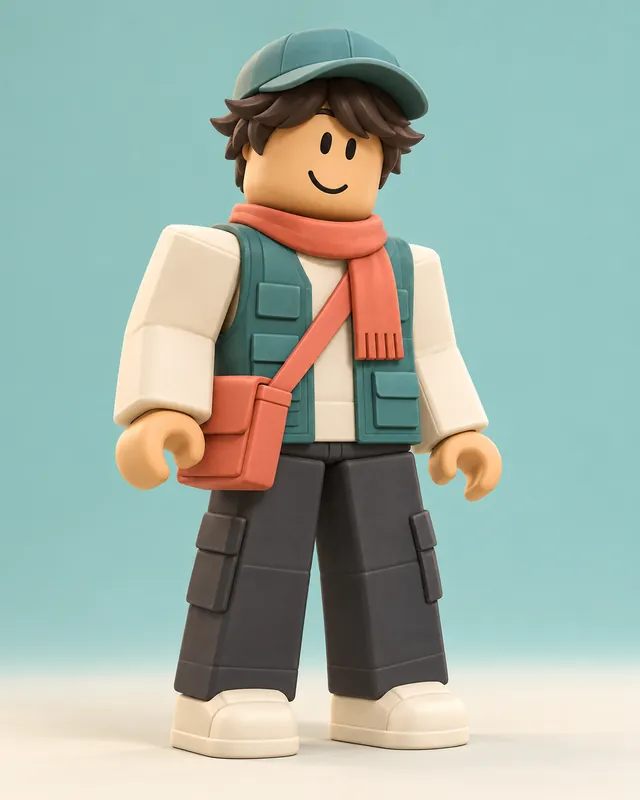 RobloxOC Creator
 Among UsOC Creator
 FortniteOC Creator
 SplatoonOC Creator
 Anime PFPOC Creator
 AnimalOC Creator
Tools
FAQ
Sign up and your first pack comes with 100 bonus credits.