
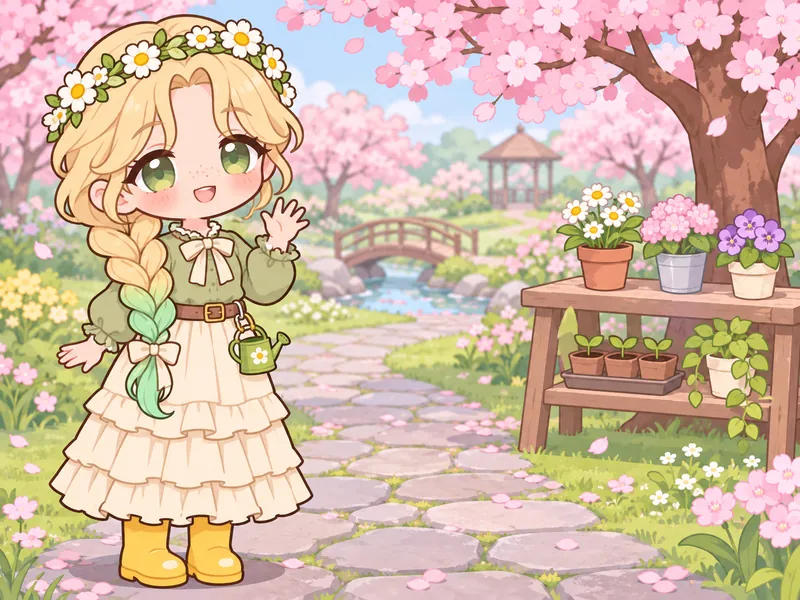
Rosie Fernwick
Plant doctor- Runs a clinic for wilted flowers
- Blonde braid with mint tips
- Whispers good night to sprouts
This free Gacha OC creator draws your original character in the cute, big-headed dress-up style fans know from Gacha Life and Gacha Club. Pick bangs and back hair, two-tone colors, odd eyes, outfit layers, ears or wings, a pose and a short profile, then get a portrait, a full-body picture or a reference sheet. It is an independent fan tool, not Lunime's app, so your result is an image rather than an in-app character code.
Ideas
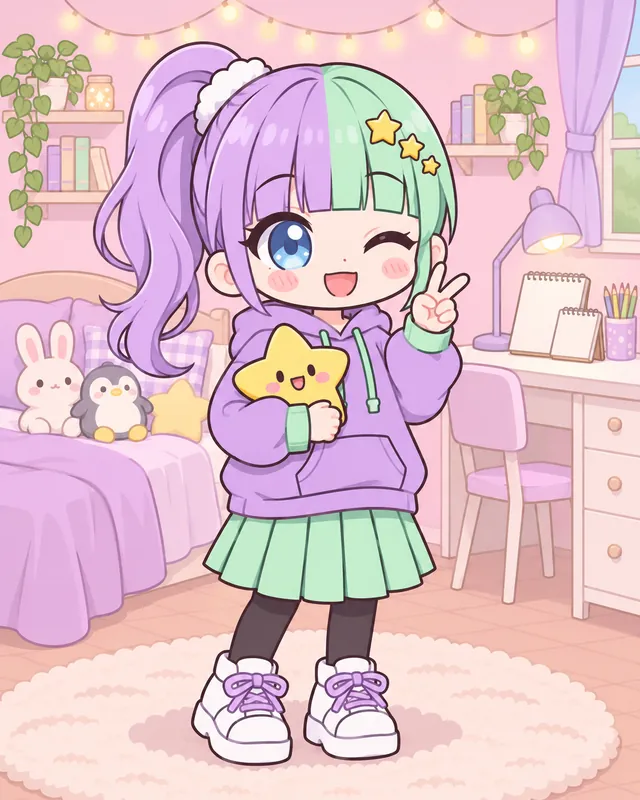
Each idea below is a complete Gacha OC: an aesthetic, a hairstyle with two colors, an eye style, four outfit layers, an extra or a prop, a pose and one line of lore. Press Use this idea to load every piece into the generator, then swap a color, the bangs or the ears until the character feels like yours. None of them copies a Lunime character or a famous creator OC, and every outfit is modest and kid-friendly.

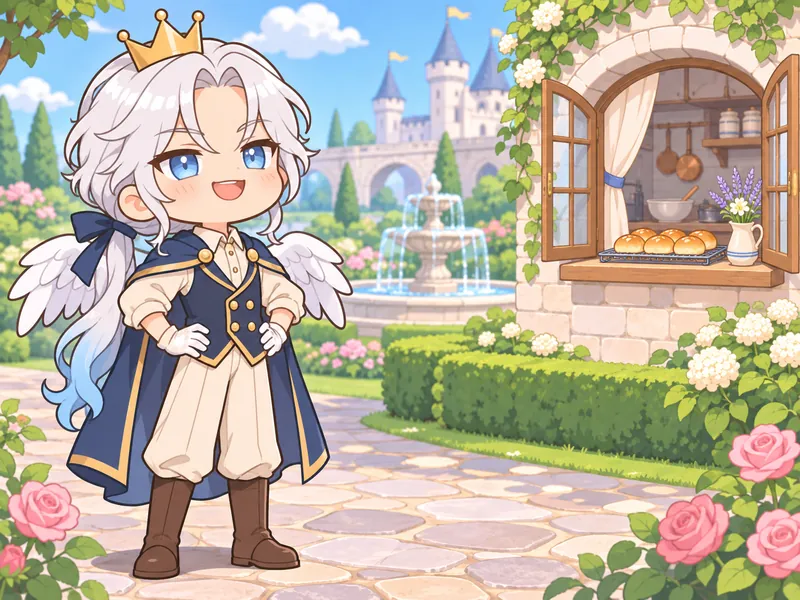
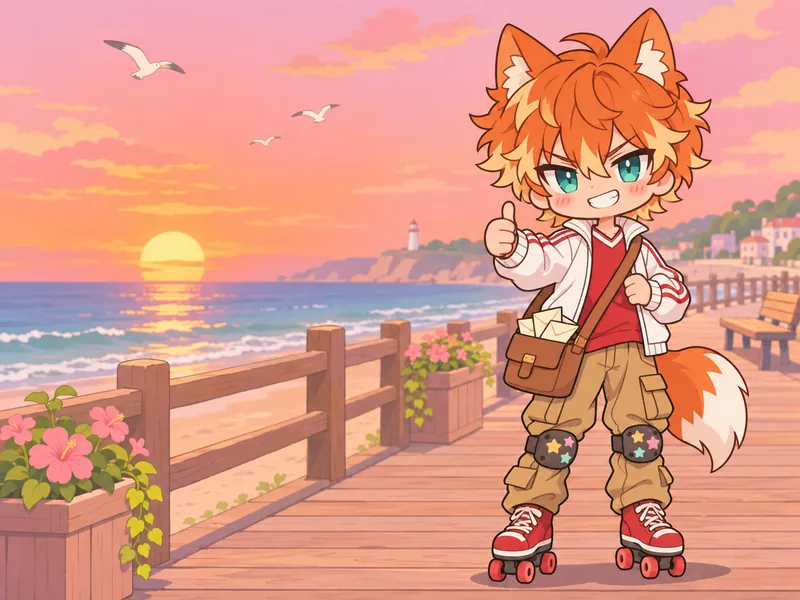
Know the rules
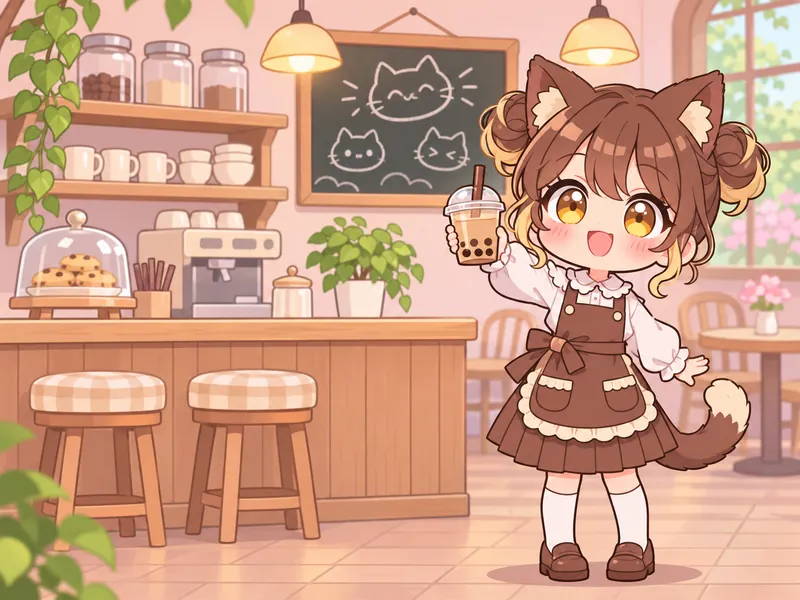
Gacha Life, Gacha Club and Gacha Life 2 are dress-up games by Lunime in which players build characters from parts: front and back hair, eyes, clothes, accessories, poses and a profile. Fans then put those characters into scenes, skits and videos. A Gacha OC is an original character made in that style. These five looks cover the main ways fans design them, and each one loads its aesthetic into the generator with Make one.
Sources: Lunime Wiki: Gacha Life; App Store: Gacha Club by Lunime; Lunime Wiki: Gacha Life 2
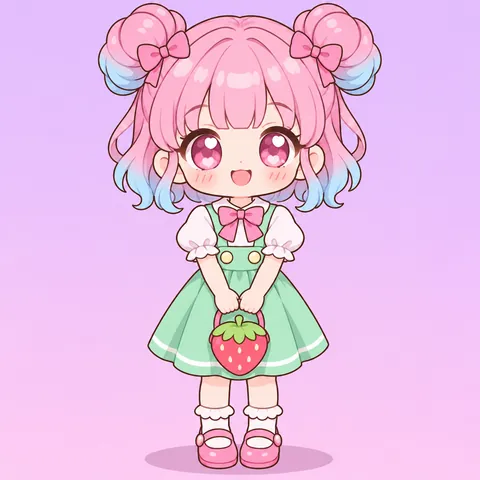
Gacha OCs are often recognized by their hair before anything else, so start there. Gacha Club lets you change the colors of almost every item, and its creator added asymmetrical options; fans use those tools for split-color hair, dyed tips and hidden underdye. Here, pick one Hair color and one Two-tone color, then decide how they meet: a clean left and right split, tips, streaks or an ombre fade. Repeat one of the two colors somewhere in the outfit so the design looks planned rather than random. A pastel palette works best with about three colors. The pastel tile pairs cotton-candy pink twin buns with baby-blue tips and keeps the blouse and skirt soft and light. If every piece of clothing is a different bright color, the hair stops standing out.
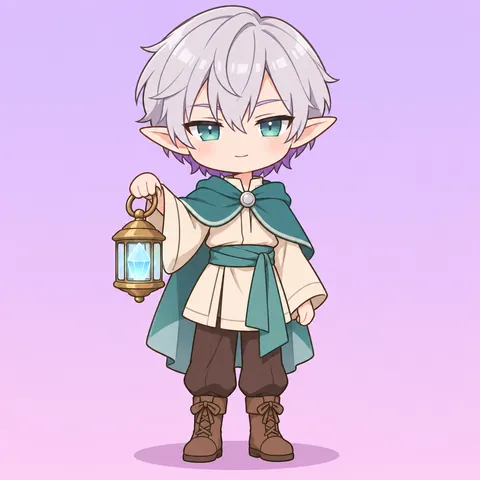
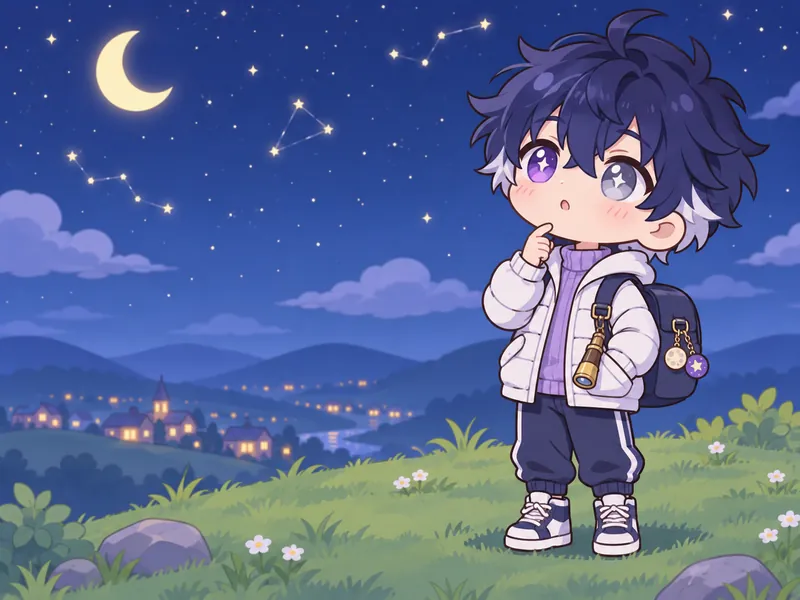
Animal ears, tails, wings and halos show up all over Gacha OCs, and fantasy designs lean on them hardest. Treat a creature feature like any other accessory: pick one, color it on purpose and let it say something about the character. Pointed elf ears suit a quiet mage, a fluffy fox tail suits a trickster and a small halo suits a helper who tries very hard. Two features can work as a pair, such as dragon wings with a matching tail, but cat ears plus angel wings plus horns plus a halo usually reads as clutter. Gacha Life also lets you give a character an elemental affinity and a rarity rating in its profile, so a fantasy OC can carry a fire or water theme into its colors. The fantasy tile shows an elf boy whose silver hair hides a violet underdye.

A Gacha outfit is assembled piece by piece: a top, a bottom, shoes and, if you like, a jacket over everything. Gacha Club even lets you copy only the hair or only the clothes from one saved character to another, so fans tend to think of outfits as separate layers. Use the four outfit pickers the same way. Streetwear looks best with one oversized piece, like a varsity jacket or a hoodie, balanced by a simpler bottom such as cargo pants or jeans. Keep the layers modest and practical: knee-length skirts, shorts over tights and full tops. The street tile shows a girl with a navy wolf cut and teal streaks in a mustard varsity jacket, a striped tee, cargo pants and high-tops. If an outfit feels flat, change one layer at a time instead of rerolling everything.
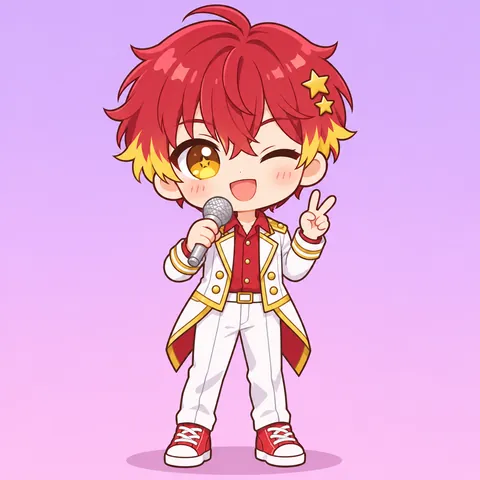
Gacha Club offers 600 poses, and Studio mode turns characters into scenes with speech bubbles: up to 8 characters in Gacha Life, 10 in Gacha Club and 16 in Gacha Life 2. That is why so many Gacha OCs have a signature pose, like a peace sign with a wink or a shy wave. Pick a pose and a face that fit the personality instead of a random cool stance. An idol might twirl with a microphone, a shy OC might hold their hands together and a smug one crosses their arms. Props read best when the pose holds them up clearly. The idol tile shows a boy idol with cherry-red hair, yellow tips and star clips, winking with a microphone. This page draws one still image, not an animated scene, so choose the single moment that says the most about your OC.
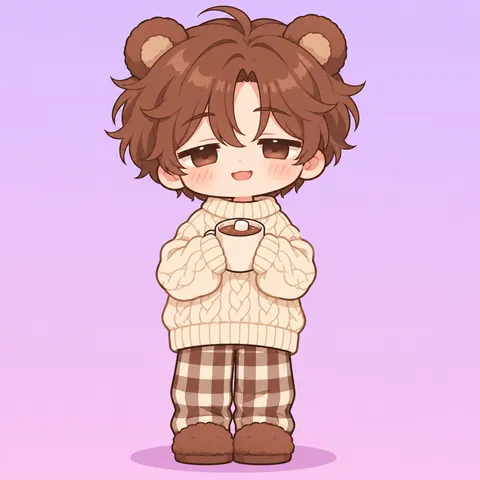
A dress-up look becomes an original character when it has a story. Gacha Club's character profile has room for a birthday, an age, a favorite club, a short profile and a decorative title, and many fans write a few lines of lore for every OC. Keep yours short and specific: who the character is, what they want and one thing that gets in the way. The cozy tile shows a sleepy kid with fluffy brown hair, bear ears and a mug of cocoa; a lore line like "stays up reading and falls asleep in the library" does more than a list of powers. Use the Personality chips, put the lore in the details box and keep the name in the name field, which stays on your card instead of being painted into the picture. Kid-friendly lore works best here: friendships, hobbies, school and small adventures.
Names and details
Most Gacha OC names fall into three easy styles. Aesthetic names sound soft and a little magical, like Starla or Seraphine, and often come with a sky or garden surname. Japanese-style names pair a given name such as Kiko, Hana or Aoi with a family name, a nod to the anime look the apps draw in. Cute English names like Rosie, Milo or Penny get a sweet, cozy surname. Pick a set, shuffle and tap a name to put it on your card. Every pairing was checked against the Lunime Wiki character list, so none of them repeats a name from the games.
A soft first name and a sky or garden surname
One small detail that shows up in every outfit.
Guide
Gacha OCs are built the way the apps build them: hair first, then eyes, then the outfit, then the story. Follow the same order here and you will end up with a character that is easy to recognize at thumbnail size and easy to rebuild in your favorite Gacha app later.
Start with the OC aesthetic tiles or chips: pastel, fantasy, street, idol, cozy or one of the themes like space, café or spooky cute. The aesthetic sets the mood, so the rest of your choices have something to agree with. Then choose a short palette. Most memorable Gacha OCs use two or three main colors, repeated across hair, eyes and clothes. Write them down before you start clicking, for example lavender, mint and white. If you are remaking an OC you already built in an app, copy its colors here first so the drawing matches your saved character.
Gacha apps split hair into front and back pieces, and so does this page. Pick Bangs for the front, such as blunt, side-swept, hime cut or an ahoge, then Back hair for the shape behind: twin tails, a side ponytail, space buns or a wolf cut. Now add Two-tone hair. A clean split down the middle is the boldest, dyed tips and streaks are softer, and a hidden underdye only shows when the hair moves. Set Hair color and Two-tone color to the first two colors of your palette. The hair is the first thing people notice, so this is worth a few tries.
Pick an Eye style first: big and sparkly, sleepy, sharp, with star or heart shines, or happy and closed. Then set the Eyes color. If you want heterochromia, the classic Gacha odd-eye look, choose a second color in Heterochromia eye; leave it empty for matching eyes. Contrast works best: blue with gold, violet with silver, red with teal. Pick a pair that echoes your palette, so the eyes look like part of the design. Skip the closed-eye style if you want the odd eyes to show, because closed eyes hide the colors.
Fill the four outfit pickers in order: Top, Bottom, Shoes and, if it suits the character, Jacket. Then use Outfit color for the biggest piece and Accent color for trim and small details. Add at most two extras: ears, a tail, wings or a halo from one row, and a hat or prop from the other. Accessory overload is the most common Gacha OC problem, and an OC with cat ears, wings, a crown, glasses and a sword is hard to read and harder to draw. Keep every outfit modest and age-appropriate; this page is built for all ages and the pickers only offer kid-friendly clothes.
Choose a Pose and face that matches the Personality, give your OC a name from the mixer below, and pick a signature detail. In the details box, write anything the pickers missed and one line of lore: who your OC is and what they want. The art style starts on Chibi, the closest match to the big-head dress-up look of Gacha apps, and the other styles redraw the same OC as anime, semi-realistic, 3D or a pencil sketch. Choose a portrait for an avatar, full body to show the whole outfit, or a reference sheet for front, side and back views. Compare the result with your choices, fix one field at a time and draw again.
Other fandoms
 ChibiOC Creator
 Anime GirlOC Creator
 RobloxOC Creator
 Anime PFPOC Creator
 VTuberOC Creator
 Magical GirlOC Creator
Tools
FAQ


Sign up and your first pack comes with 100 bonus credits.