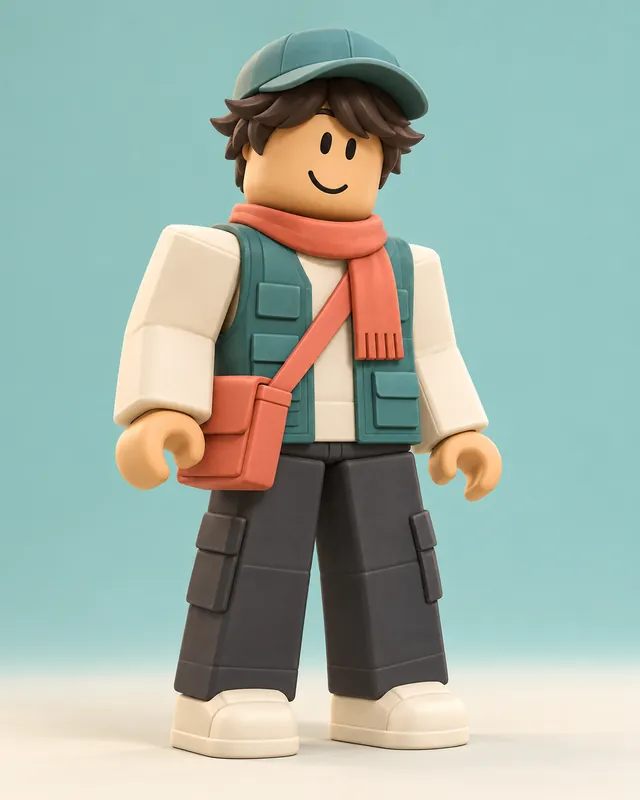
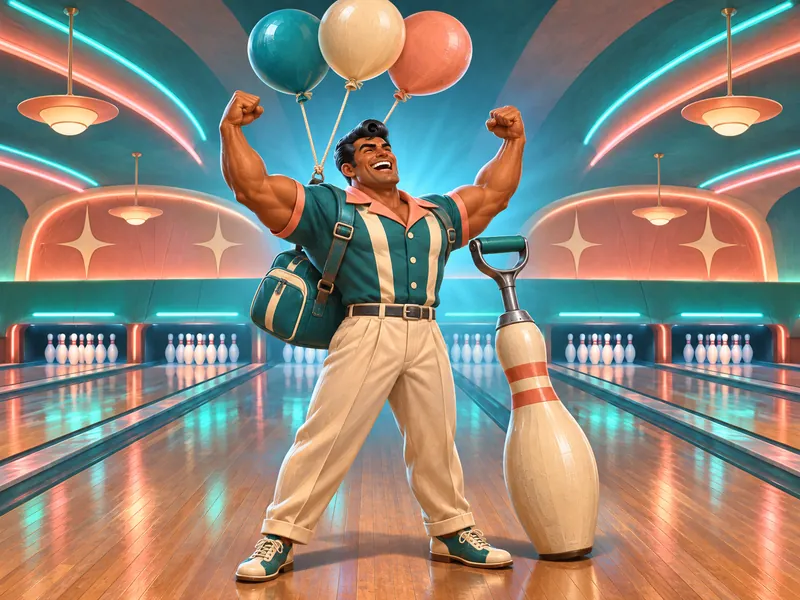
Pinsetter
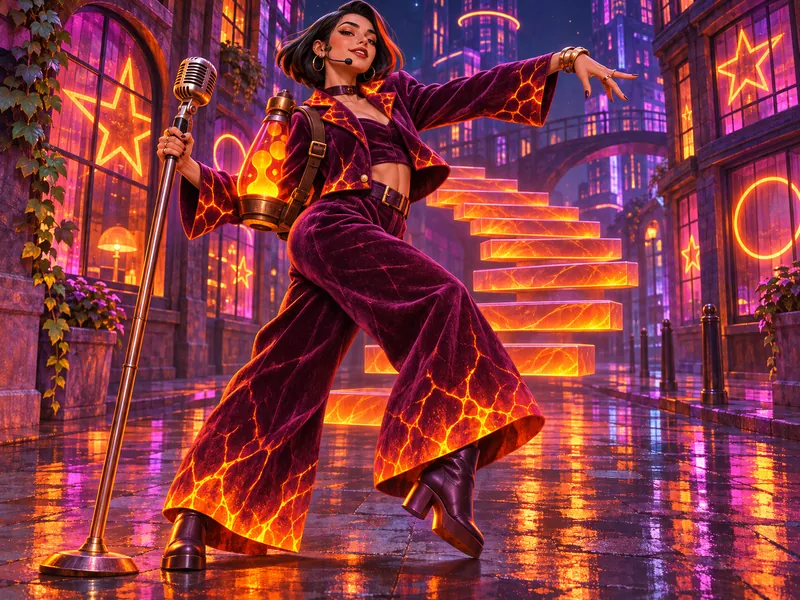
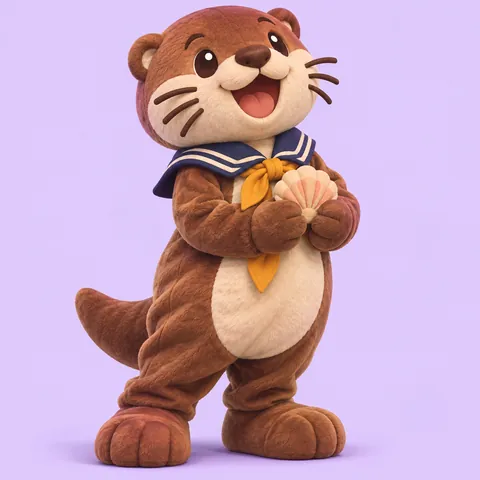
Rare bowler- Bows to the pins after every strike
- Bowling pin pickaxe, balloon glider
- Shirt stripes glow on a perfect game
This Fortnite skin maker turns an outfit idea into original concept art. Pick a theme, a rarity look, a color style, a back bling, a pickaxe, a glider and a built-in emote pose, then draw the whole set in the game’s chunky 3D look. It is a place to create Fortnite skin concepts for fun: nothing here is added to your game or your Locker.
Ideas
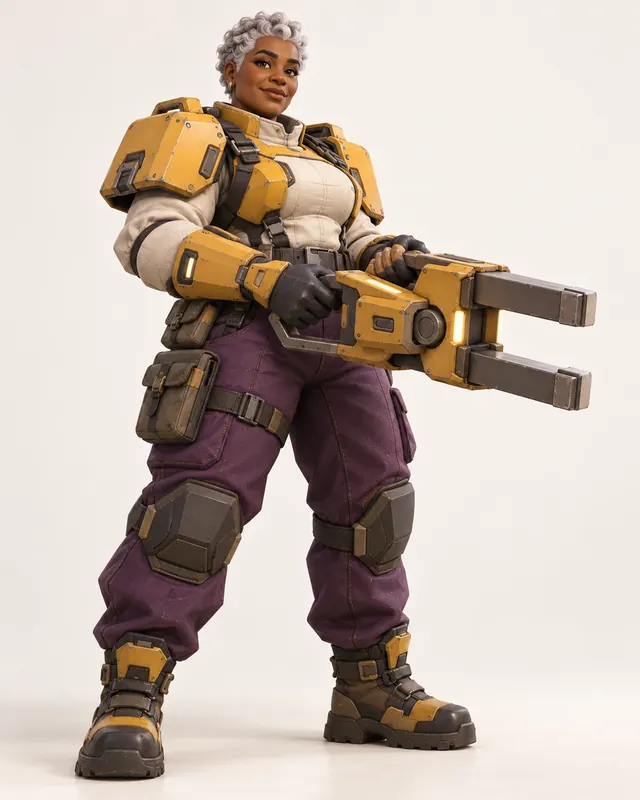
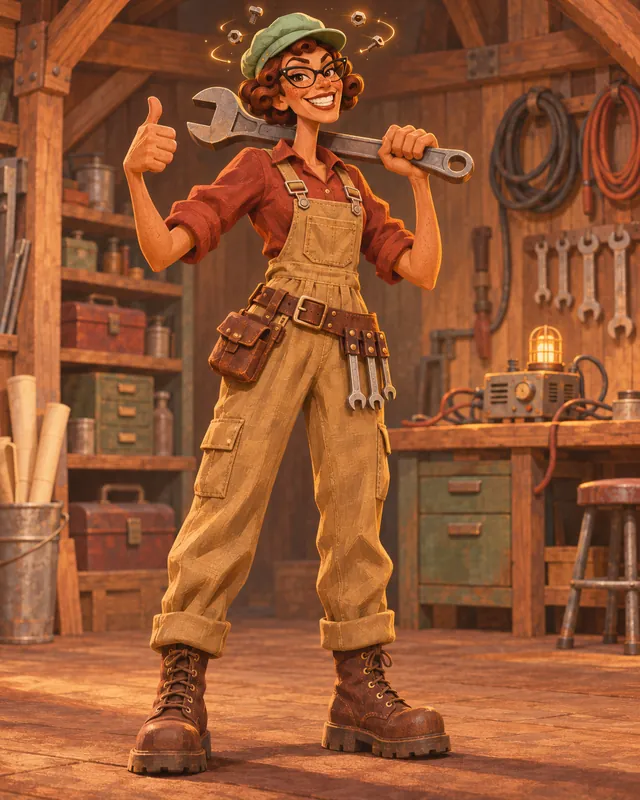
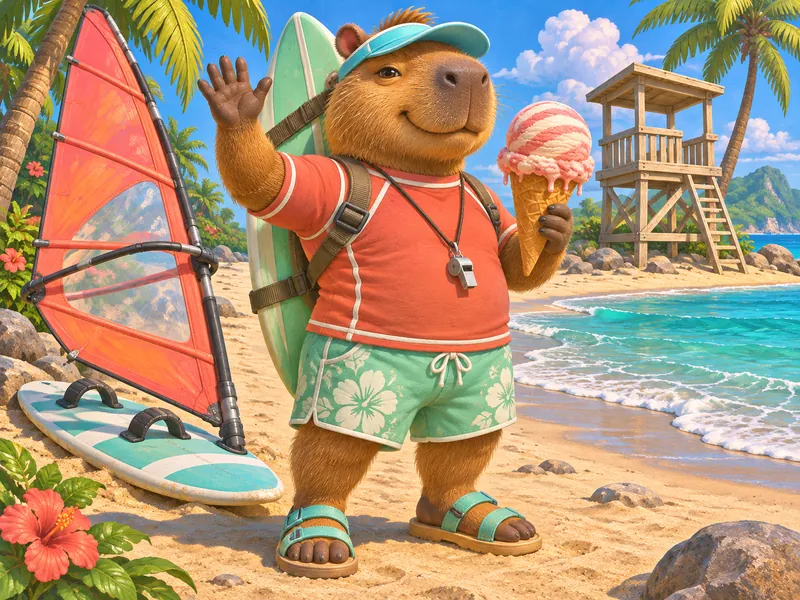
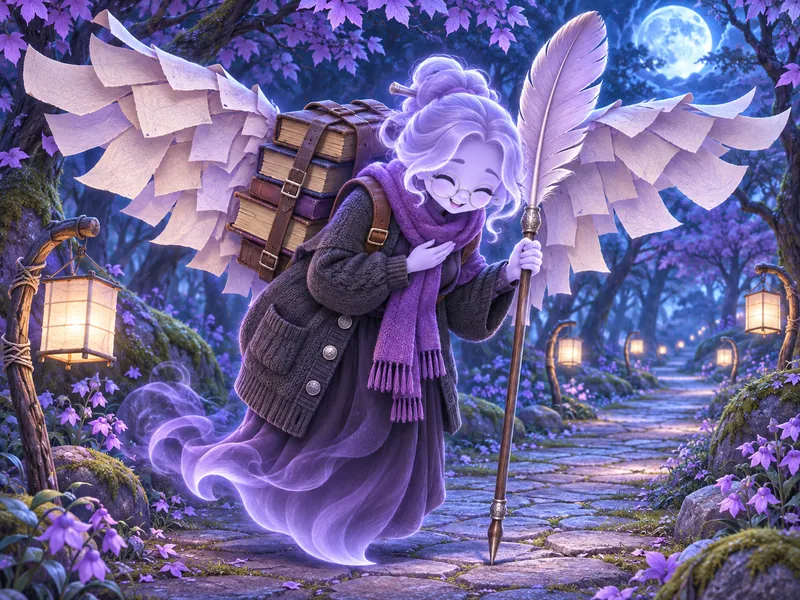
Every card is a complete outfit concept with a theme, a rarity look, a back bling, a pickaxe, a glider and a built-in emote, so you can see how one idea carries through a whole set. None of them copies a real outfit or a collaboration character. Load one into the Fortnite skin maker, then swap the rarity, colors or emote until the concept reads as yours.


Art styles
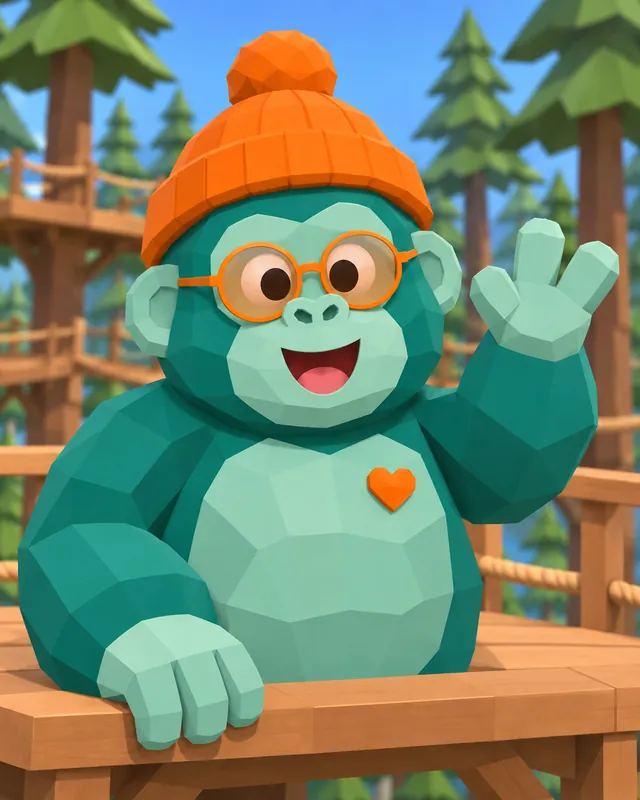
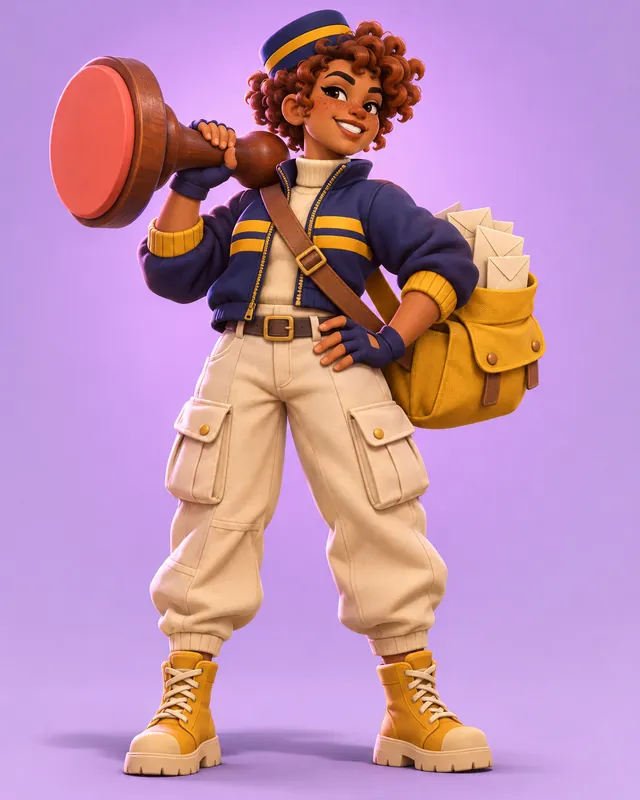
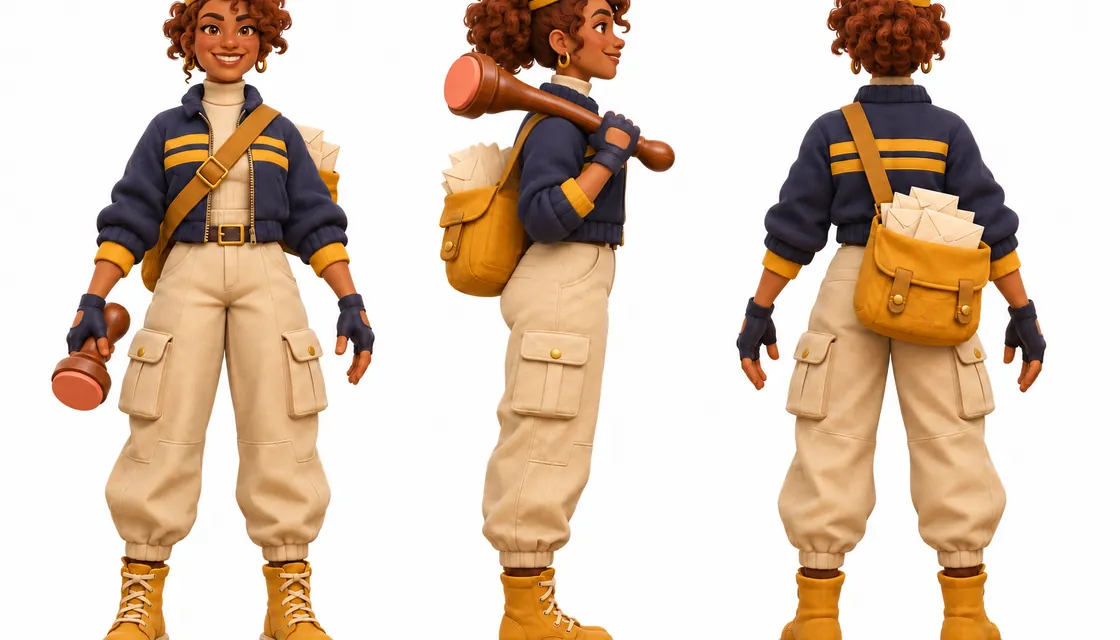
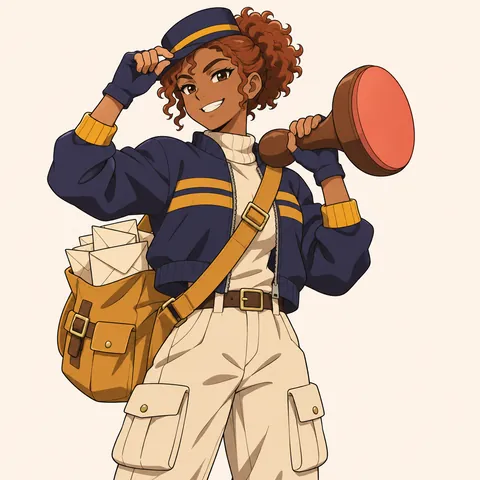
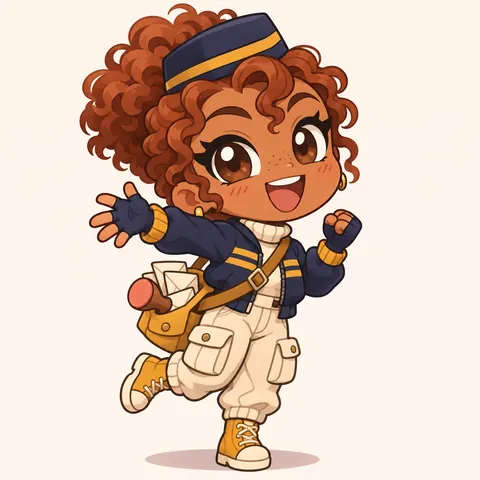
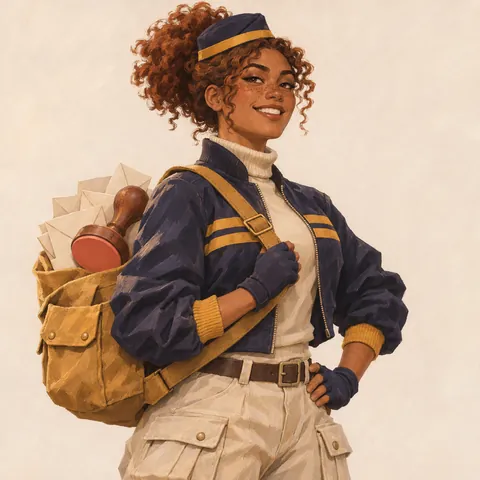
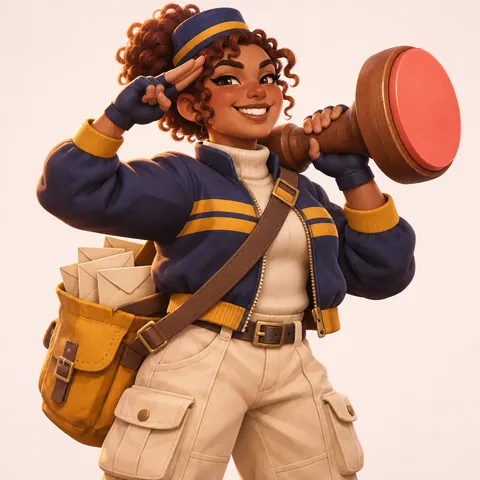
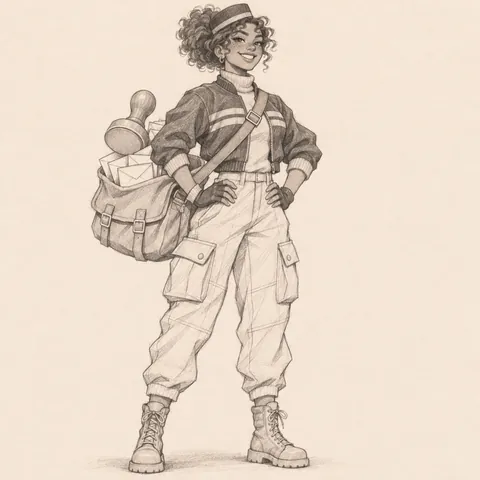
Postmark is the page’s sample skin: an adult sky-mail courier with warm brown skin, a copper curly puff under a navy pillbox cap, a navy cropped jacket with mustard stripes, cream cargo trousers, mustard boots, a mail satchel back bling and a giant rubber stamp for a pickaxe. The 3D version is the default because it matches how outfits look in the Locker. The other four styles keep the same satchel, stripes and stamp, so you can compare how the medium changes the read before you pick one.
Know the rules
A skin in the game is more than the outfit. The Locker’s character tab pairs it with a back bling, a pickaxe, a glider, kicks, a contrail and an aura, and many outfits come with matching items from the same set. These notes come from the community wiki and keep your concept close to how real sets are built. Each one has a button that loads a matching starting point into the generator.
Sources: Wikipedia: Fortnite Battle Royale; Fortnite Wiki: Outfits; Fortnite Wiki: Rarity
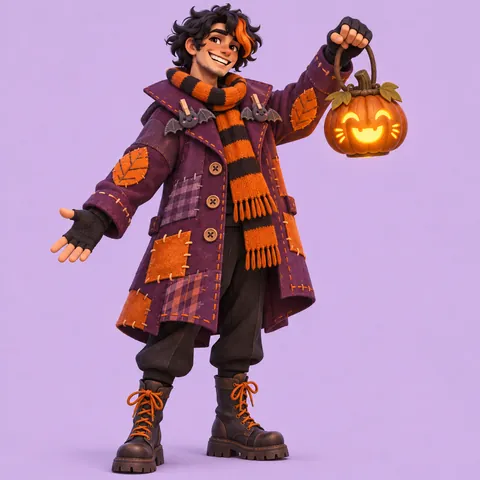
The wiki defines Outfits as the cosmetic items players informally call skins. They arrived in Season 1, and the wiki now counts around 2,900 of them. Original outfits keep returning to a handful of themes. Fortnitemares brings Halloween costumes from mid October to early November, Winterfest brings cozy winter looks around December, and summer, sci-fi, mascot and streetwear outfits keep appearing in the shop. Pick one theme and let every part of the set follow it: a spooky outfit gets a lantern back bling and a candy-colored pickaxe, not a random sports bag. The theme picker above mixes those recurring themes with chips for knights, pirates, ninjas and your own invented theme.
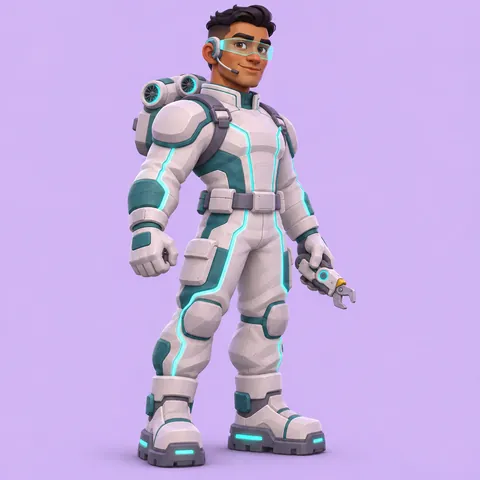
Cosmetic rarity runs from Common gray through Uncommon green, Rare blue and Epic purple to Legendary orange. The wiki notes that rarity never changes gameplay; it tracks how complex and costly an item is, and Legendary outfits are the most elaborate. Since Update v29.20 in April 2024, the Locker and Item Shop no longer show those six core rarities, but fans still talk about skins that way and the colors still read instantly. In this generator the rarity look sets the glow behind your character and how busy the outfit gets. Mythic gold appears on in-match items rather than outfits, so the picker stops at Legendary.
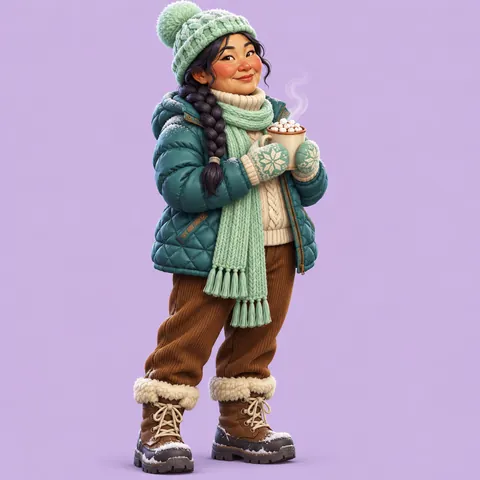
Some rarities are labeled as a Series. The original ones are themed versions of existing cosmetics: Frozen Series outfits turn icy, Lava Series outfits glow with magma, Shadow Series outfits go black and smoky, Dark Series versions are tied to the Cube storyline in deep violet, and Slurp Series versions take on the glossy blue-green look of the in-game Slurp drinks. Their names follow a pattern too, as in Frozen Raven or Molten Valkyrie. Use a series look when you want a second version of your own concept. Other series, such as Marvel, DC, Star Wars, Icon and Gaming Legends, mark licensed collaborations, and this page does not recreate those characters.
Back blings arrived in Season 3, and the game still describes them with the line "Not functional, but they are trendy." That is the right spirit for a concept: the back bling is a prop that tells a joke or a story about the outfit. A courier carries a mail satchel, a lifeguard carries a surfboard, a librarian carries a stack of books. Since Season 6, pets have used the same slot, so a small animal peeking out of a carrier counts as a back bling too. Some back blings react to gameplay or animate on their own. Keep it smaller than the character and in the same palette, so the silhouette still reads at thumbnail size.
Pickaxes were formerly named harvesting tools, because every player swings one to gather wood, stone and metal for building. The wiki sorts them by how they are held and swung: classic, dual-wield, spinner, single-hand, fist, staff and several more, fifteen types in all. That gives you design room beyond a literal pickaxe. A giant paint roller, frying pan, rubber stamp or bowling pin all work, as long as the object fits the theme. On this page the pickaxe is always shown at rest, held on a shoulder or planted on the ground, so the art stays about the character and not a fight.
Every match starts with a drop, and the glider is what opens on the way down. The wiki lists eight glider types: classic, umbrella, hang glider, rideable, superpower, winged, stairway and windsurf. A rideable glider is something you sit or stand on, a superpower glider flies you like a comic-book hero, and a stairway glider lets you walk down floating steps. Choose the type that suits the character: a sky courier rides a giant envelope, a botanist floats on a leaf, a lifeguard windsurfs through the air. If the glider would crowd a portrait, leave the field empty and describe it in the details box for a full-body or sheet image instead.
Most emotes work with any outfit, but built-in emotes come attached to a single cosmetic. The wiki traces them back to Season 6, and Glitter-up was the first. A built-in emote is the outfit’s signature move, so it should say something about the character: a courier salutes, a lifeguard waves, a ghost librarian bows. The emote field on this page sets the pose in your image. Pick one that reads in a still frame, such as a salute, a peace sign or heart hands, rather than a long dance that only makes sense in motion. Other emote families exist too, including traversal emotes you can move with, first seen in Season 8.
Many outfits have more than one look. Selectable styles let a player switch colors or pieces; the wiki names Carbide and Omega as the first outfits with styles. Reactive cosmetics change during a match, an idea that began with a Season 3 pickaxe and got its name in Season 6. Transformative outfits, starting with Hemlock, can shift into another form mid-match. Kicks, added in Chapter 2 Remix, give compatible outfits their own shoes. You can describe one of these in the signature style feature field: a satchel that glows brighter as the storm closes, a second style with a hood, or seeds that sprout behind your contrail.
Outfit names
Outfit names follow a few clear habits. On the wiki’s outfit list, about a third are a single evocative word, such as Bloom, Shiver or Willow, and the largest group are two words: a look or theme word plus a role, such as Midfield Maestro, Love Ranger or Knowledge Keeper. Series versions add a prefix to an existing name, as in Frozen Raven, Molten Valkyrie or Dark Bomber. This free mixer builds all three kinds in your browser with no sign-up, and every result was checked against the wiki’s outfit, back bling, pickaxe, glider and emote titles so none of them is a real cosmetic.
A look word plus a role word, like Midfield Maestro
Real outfits often carry one extra feature. Pick one and it lands in the generator.
Guide
Create your own Fortnite skin the way a shop set is planned: one theme, one silhouette, one palette, and every Locker item pulling in the same direction. Each step below matches a field in the generator, so you can work top to bottom and generate when the set feels finished.
Before you touch the colors, write one sentence that sells the skin: a ghost librarian who collects overdue books, a capybara lifeguard, a sky-mail courier who is never late. Then pick the theme that fits. The theme decides the outfit shape, the materials and which props make sense. If your idea mixes two themes, choose the stronger one in the picker and put the second in the description. Original outfits work best when a stranger can guess the pitch from the thumbnail alone, so lean on one strong costume idea rather than five small ones.
Players see skins from far away, so the outline matters more than the details. Pick one big shape: a puffy jacket, a plush costume head, a long coat, a wide hat, chunky boots or shoulder plates. The game’s look uses stylized proportions with slightly larger hands, feet and heads than a real person, so describe those shapes with confidence. Check your idea against famous outfits too. A banana suit, a fish head, a pink bear costume or a gold-handed spy already belong to someone else, and changing only the color will not make them yours.
Rarity sets the energy. An Uncommon concept should feel clean and simple, an Epic one adds special materials, and a Legendary one earns glowing accents and extra layers. A series look, such as Frozen or Lava, recolors the whole outfit around one material. Then pick an outfit color, an accent color and a color style. Two colors plus one pattern is plenty; stripes, glow lines or gold trim tell the eye where to look. Keep the accent on the parts that matter, such as the visor, the gloves or the back bling, and test that the design still reads in a tiny Locker tile.
Shop sets feel complete because every item shares the joke. Ask what the character would carry, swing and ride. A courier gets a mail satchel, a rubber stamp pickaxe and an envelope glider; a botanist gets a potted plant, a shovel and a leaf. Use the same palette across all three, and keep the pickaxe at rest in the art. If a prop would crowd a portrait, leave its field empty and switch to the full-body or reference sheet output when you want to show everything. A matching contrail or kicks can go in the signature style feature box.
Pick a built-in emote pose that shows personality in one still frame, then name the skin with the mixer below or your own words: one evocative word or a look word plus a role, the way real outfits are named. Search your name against the wiki before you share it. Write two or three sentences in the details box about the face, hair and one story hook, then generate. Compare the result with your pitch from step 1. If the art drifts, move the most important detail to the start of the description and try again.
Other fandoms
Tools
FAQ
Sign up and your first pack comes with 100 bonus credits.