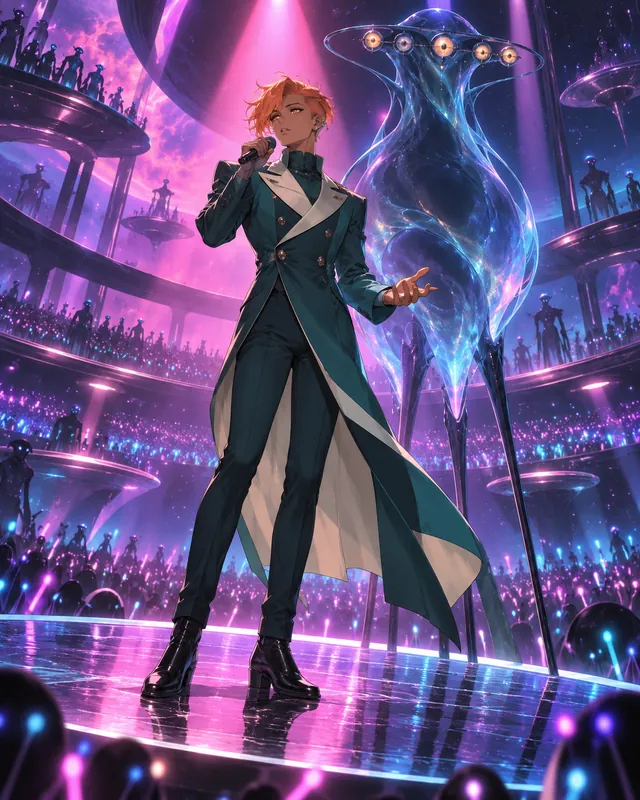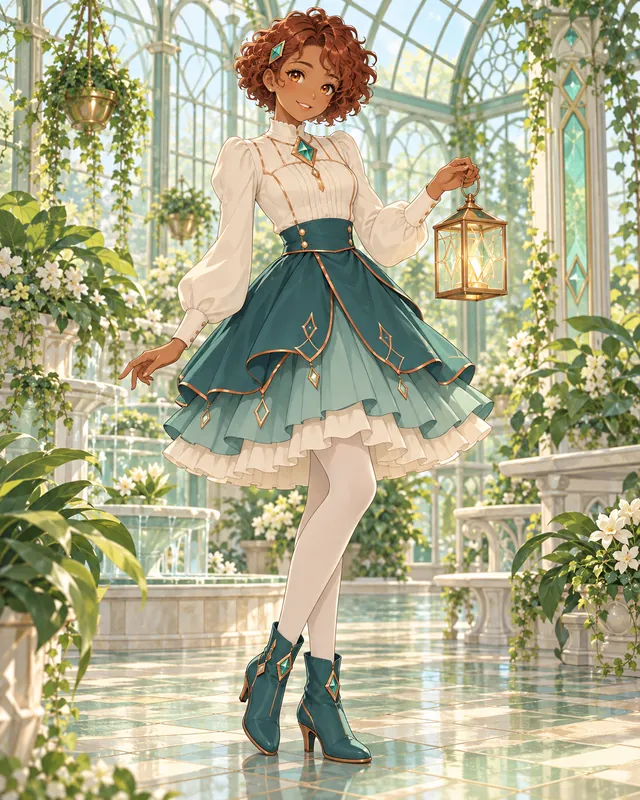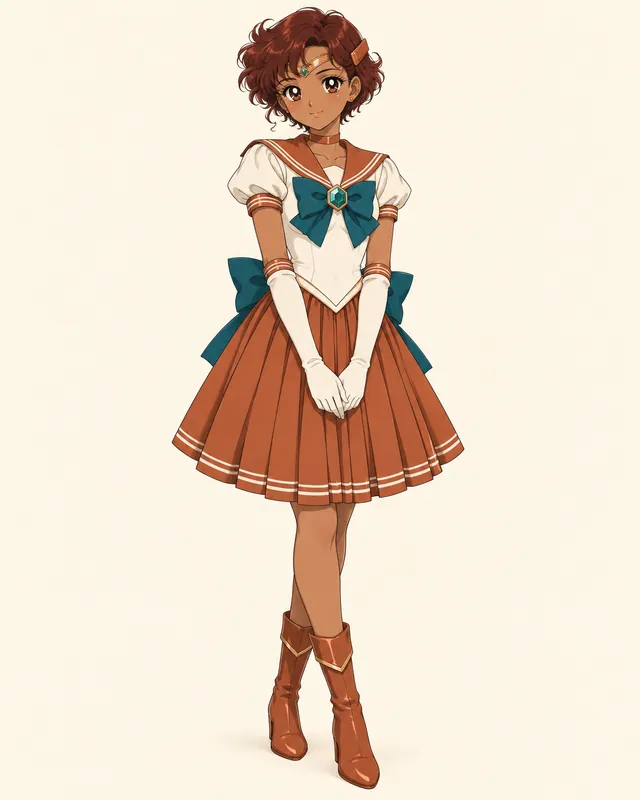

Maren Bellmere
City pop- Makes rain sound like a chorus
- Practices one quiet phrase at a time
- Keeps a prism instead of a lucky charm
This Vocaloid OC Creator and Vocaloid OC Maker builds a virtual singer around a voice concept, signature color, headset, module outfit and original item. Try a complete preset or choose each detail. This page makes character artwork, not songs or voicebanks.
Ideas
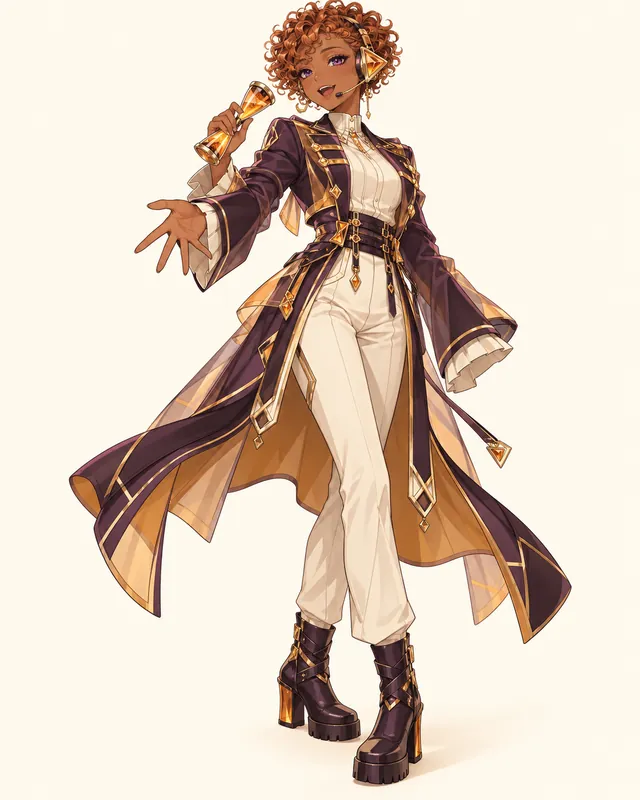
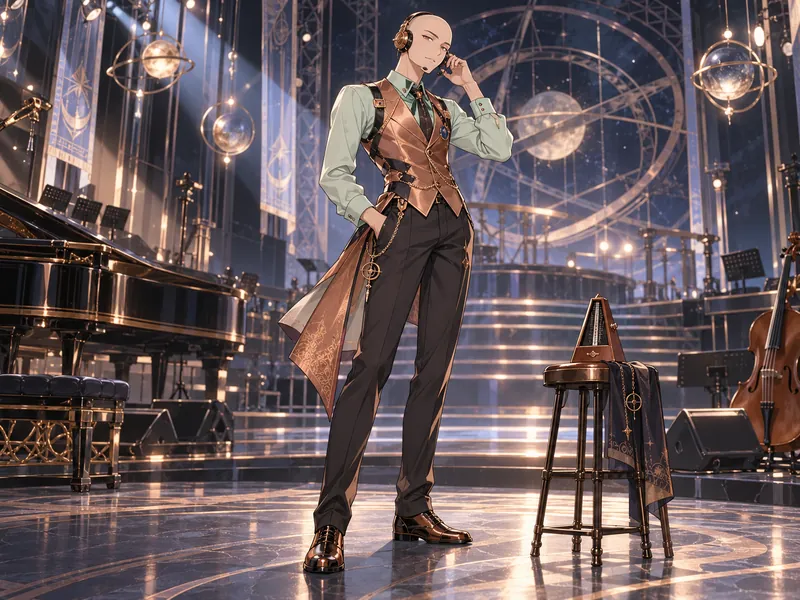
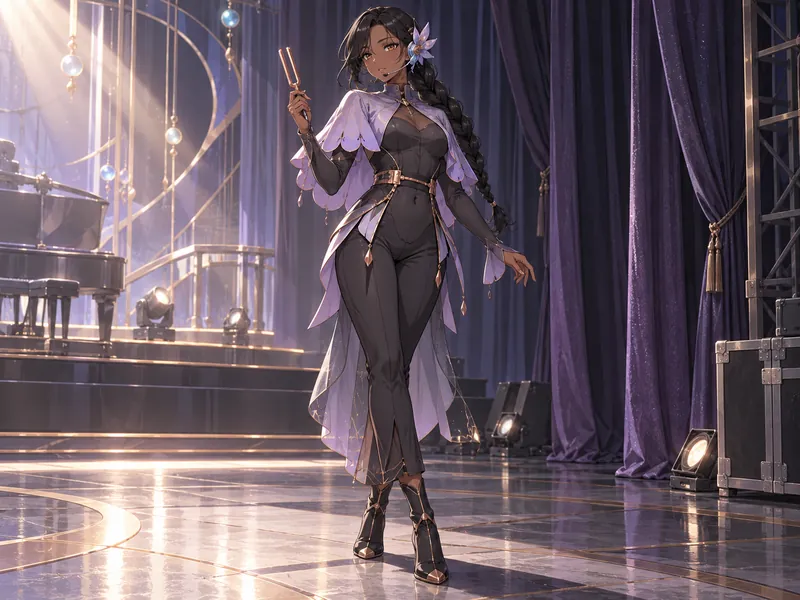
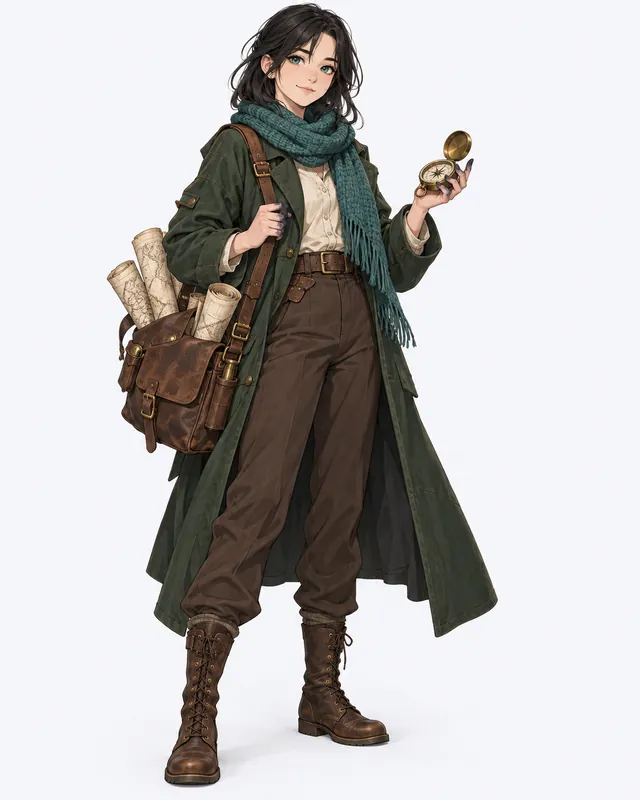
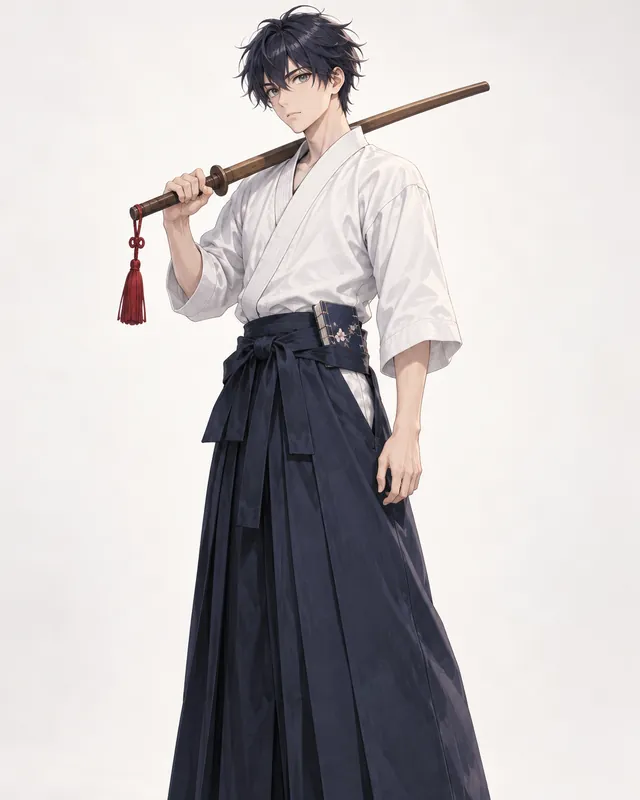
Each singer below begins with a different musical problem: holding a quiet note, keeping a busy rhythm, or making a small stage feel big. Choose Use this idea to load the outfit and voice concept together. Keep the design cues you like, then give the singer a different habit, stage name or favorite kind of song. These are original fan concepts, not voicebanks you can download.



Know the rules
A convincing virtual singer has more than colorful hair. Think about the relationship between their imagined voice, performance clothes and the object fans would remember. The software labels below describe fan concepts only. Choosing one does not create an official product, install software or give an original character the rights associated with an existing voicebank.
Sources: VOCALOID Wiki: original engine; VOCALOID Wiki: other synthesizers; OpenUtau: free editor and tutorials
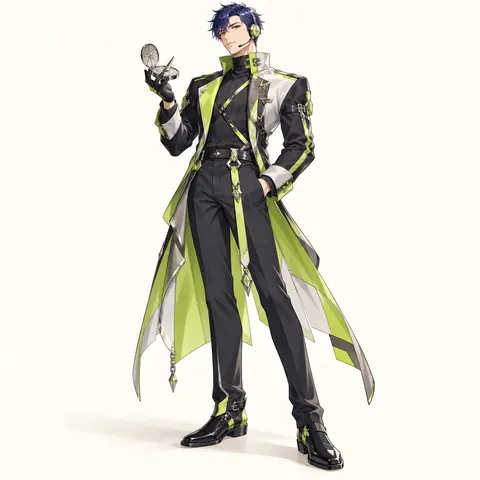
Voice type and range describe how you imagine the singer sounding. Warm, nasal, breathy and bright are useful direction words, while alto or tenor suggests a broad register. None of those labels proves a recorded range. If you later build a real voicebank, test the recordings before publishing technical claims. For a drawing, translate the sound into visible choices: an airy voice might use translucent ear cups, while a rounded low voice might suit substantial fabric and a steady silhouette. Avoid equating a vocal range with one required gender or body type.
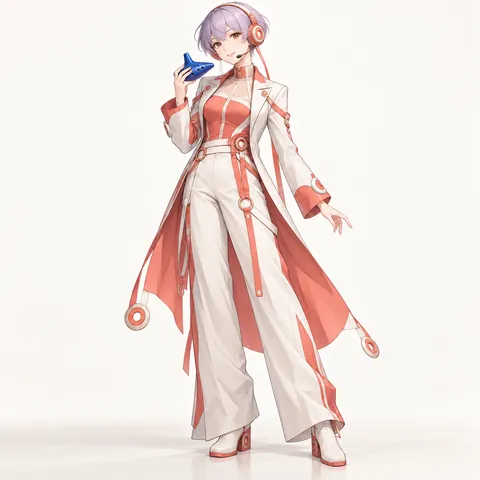
Fans use labels such as fanloid for fan-made singer concepts and derivatives, but a character illustration is not licensed VOCALOID software. Keep your own design independent instead of recoloring a known singer. A real voicebank involves recordings, an engine and permissions beyond the artwork. In your biography, distinguish imagined details from released technical features. You can say that a character has an imagined studio-trained voice provider; do not claim a real performer recorded it when they did not. A simple concept sheet is a complete creative project by itself.
UTAU is a separate singing synthesis system, not a version of VOCALOID. OpenUtau is an open-source editor associated with that community. Other names in the picker are fan labels for different synthesis ecosystems, not a promise that this website produces compatible files. An UTAU-style character can have a carefully designed visual identity before a recording project exists. If the project becomes real, describe the recording format, language coverage and usage terms on its own release page. Keep software branding out of the costume so the original singer still stands on their own.
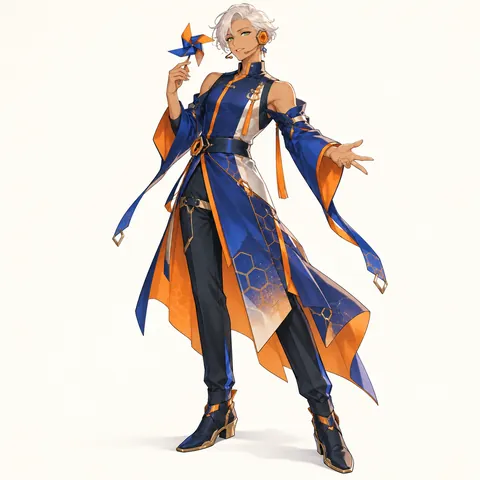
For this page, a module means the singer's performance outfit concept. Build a base version first, then change the fabric or setting while preserving the face, headset language and item. A winter coat can keep the same amber seams as the concert jacket. A studio outfit can simplify that jacket without inventing a second identity. Think about movement: sleeves should clear the hands, and the item should have somewhere to go between songs. A strong module reads in silhouette even when stage lights make the colors difficult to distinguish.
A prop becomes memorable when it belongs to a habit. An hourglass shaker can mark rehearsal breaks; a prism can help someone study stage light; a ribbon spool can be part of a warm-up routine. Make the item recognizable at thumbnail size and keep it small enough for the singer to carry. Avoid famous voicebank signature objects, copied number tattoos and official logos. You do not need to add an emblem to every sleeve. Repeating one simple material or shape in the headset and prop often gives a cleaner result.
VOCALOID has multiple engine generations. The original commercial generation arrived in 2004 with five voicebanks across English and Japanese, while later generations developed different capabilities. The era choices here are creative labels, not an up-to-date compatibility table or a claim that every language is supported by every engine. Describe the actual software and library separately if you release audio. For artwork, an early-software-inspired singer can still wear a modern module, and a contemporary fan character can enjoy an intentionally retro studio aesthetic.
Names and items
VOCALOID names do not obey one universal formula. The catalog includes Japanese personal-name forms, standalone names and stylized aliases. This mixer deliberately offers original English stage aliases and a separate personal-name option instead of recycling famous sound-related surnames. A generated name is a starting point, not a trademark clearance. Search the complete name before using it as a public voicebank identity, and keep the item's silhouette separate from recognizable canon props.
A performance image plus a musical word
Choose a prop that tells us how this singer listens, practices or performs.
Guide
Treat the first draft as a performance brief rather than a list of accessories. One voice quality, one dominant color and one useful object give the drawing a center. After that, add only details that explain the singer's habits. You can develop a purely visual fan character without owning any music software, while an actual voicebank project needs its own recordings, setup and permissions.
Begin with a timbre and a place it works well: a warm alto for a small-room ballad, or a crisp speaking register for rhythm-heavy verses. Choose the voice and genre chips, then write an imagined provider concept in your own words. Give that voice a limitation, such as tiring during a long set or needing careful consonant practice. This makes the character easier to write without pretending that a drawing has measurable vocal performance. Leave exact note ranges for a real recording project.
Pick a concert coat, studio uniform or festival tunic and imagine it as a solid shape. Can you recognize the singer without seeing the hair color? Select one signature color and a quieter accent. Repeat the signature color in two practical places, such as the headset cups and jacket lining. Avoid assembling the familiar hair, sleeves and item of an existing singer in a new palette. Your first draft should have enough large shapes to read in a small profile picture.
A headset can borrow a shape from the item without copying it literally. Triangular ear cups might echo the ends of an hourglass; petal cups might suit a singer who practices in a garden. Write why the object matters in the personal item field. Use a rehearsal habit rather than an elaborate destiny: the singer turns a metronome before every show, or carries a whistle from an early music lesson. These details provide story material and keep the prop from becoming random decoration.
Use Surprise me to explore the extra presets or load one of the six illustrated ideas. The preset restores a coherent starting outfit instead of accumulating old choices. Change a few fields together: a genre change might justify a different voice concept, while a winter module might need roomier headphones. Read the description before generating and remove anything that contradicts your selected colors or item. The generator draws the concept you describe; it does not decide which music software you should buy.
Choose the art style and output that suits your next step, then review the face, hands, headset and item in the resulting image. Save your favorite version and keep a short written design note so future modules stay consistent. If you later record a voicebank, use a consenting provider and document the software, recordings and terms independently. A character portrait is useful for introducing that project, but it is not evidence of software compatibility, a music license or permission to imitate another person's voice.
Other fandoms
Tools
FAQ





Sign up for 10 bonus credits and make your first OC free.