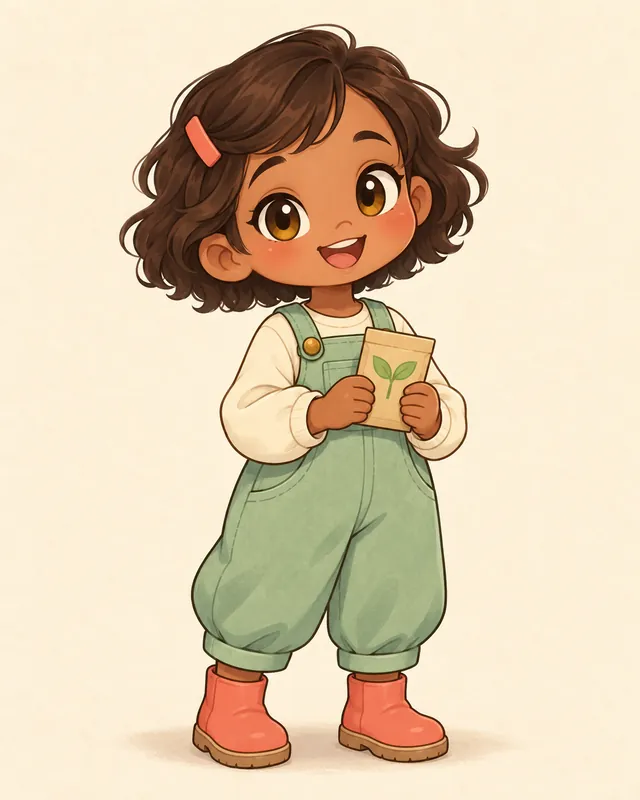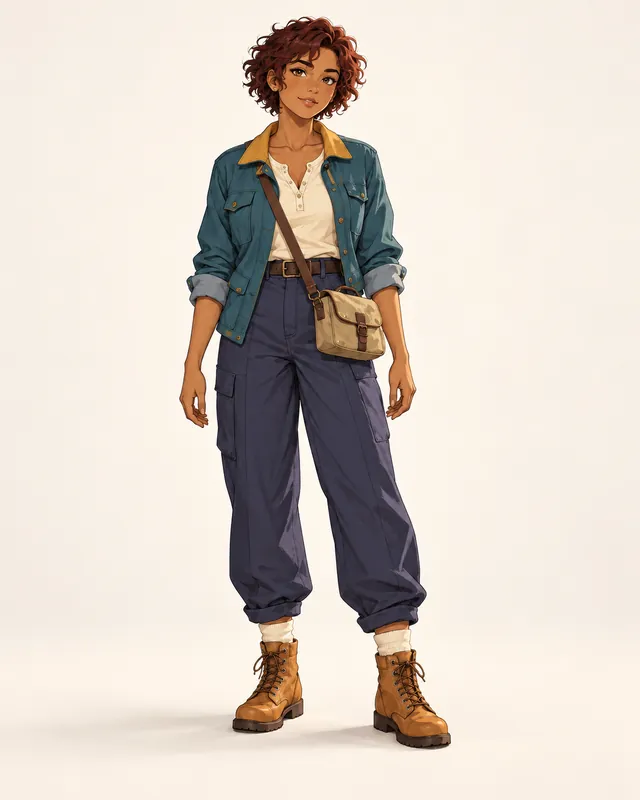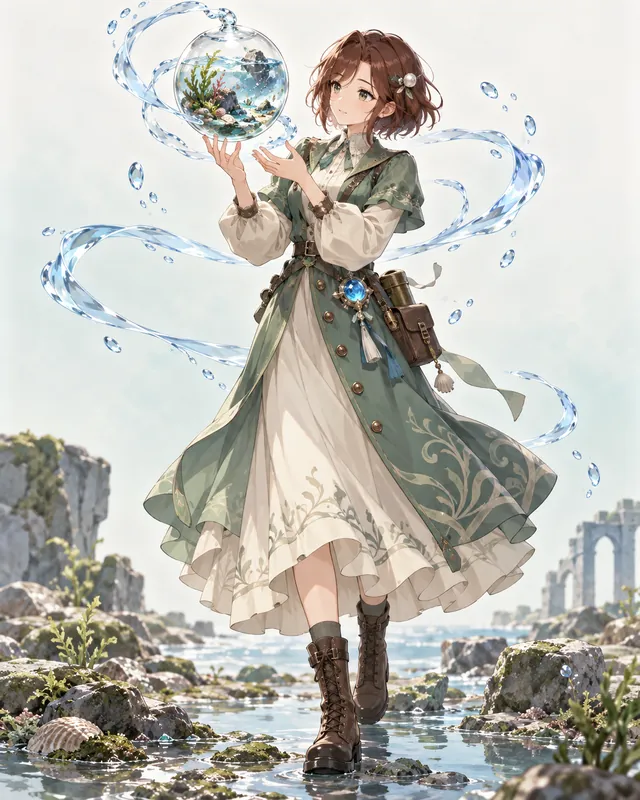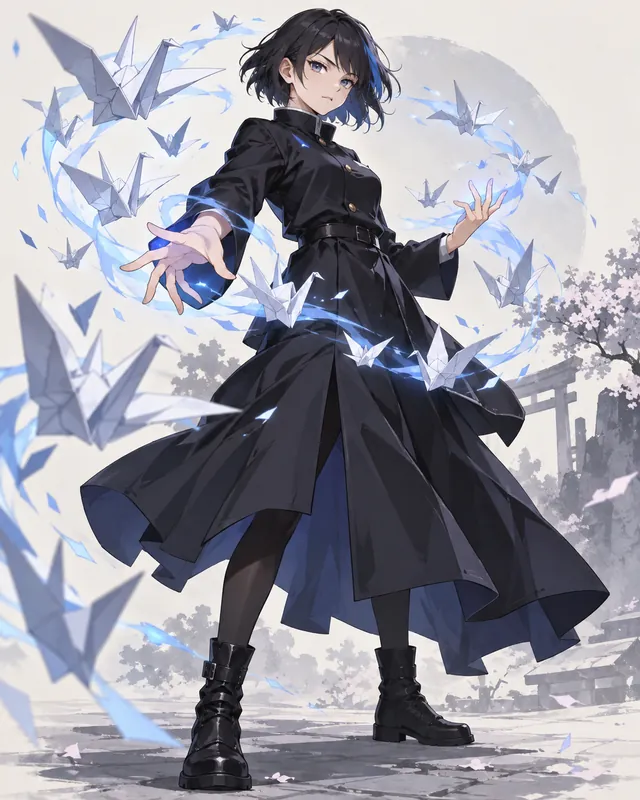
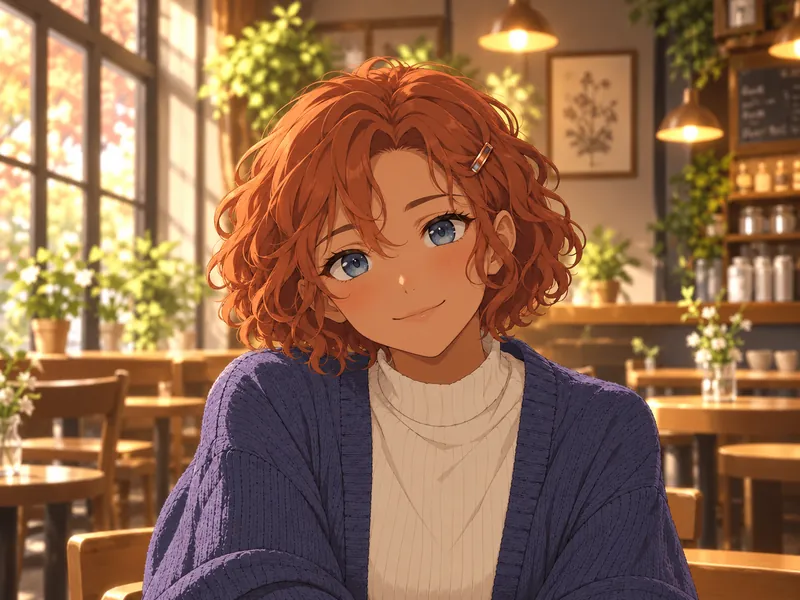
Maren Reedwell
Cafe smile- Copper curls against a soft cafe blur.
- A small barrette stays close to the face.
- Warm and welcoming, without a busy scene.
Give your OC a recognizable face with this anime avatar maker. Describe your character, choose an expression, and leave room for a circle crop. Build matching portraits by keeping identity details and changing one mood at a time. Image generation uses credits after the free preview.
Ideas
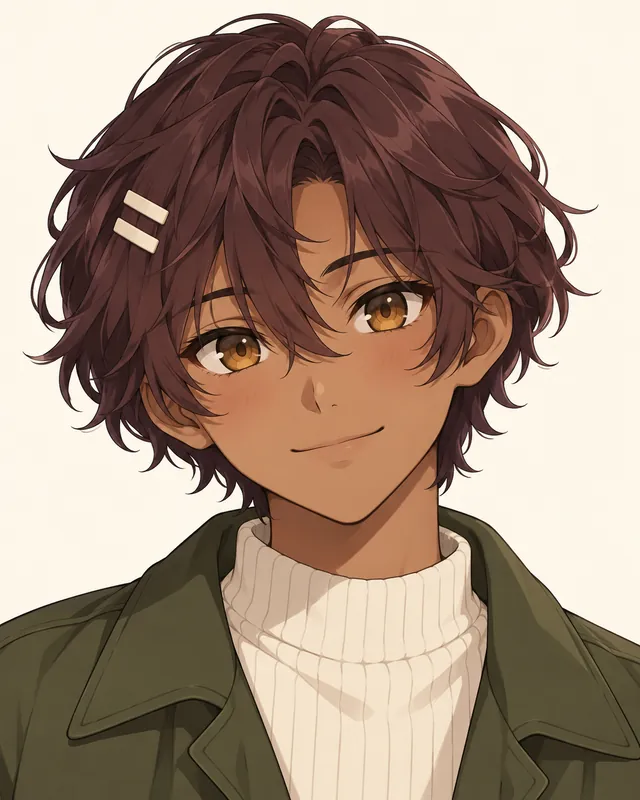
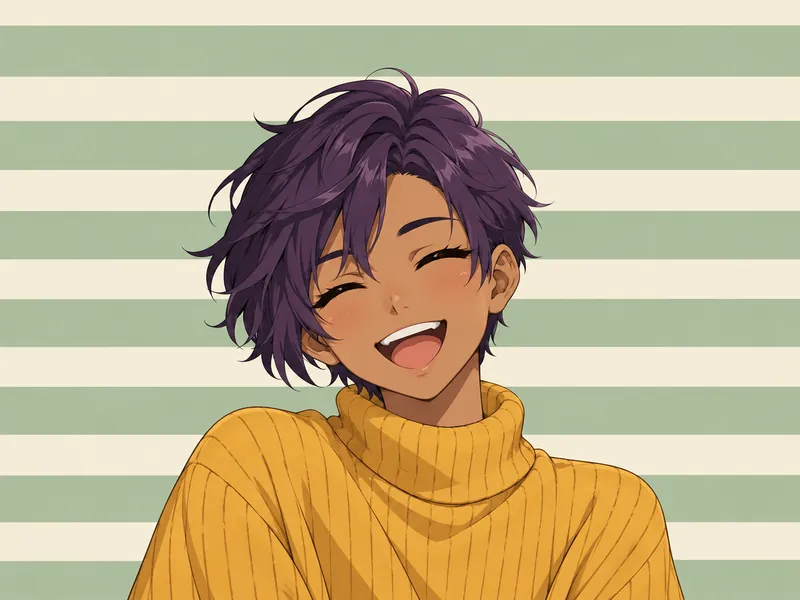
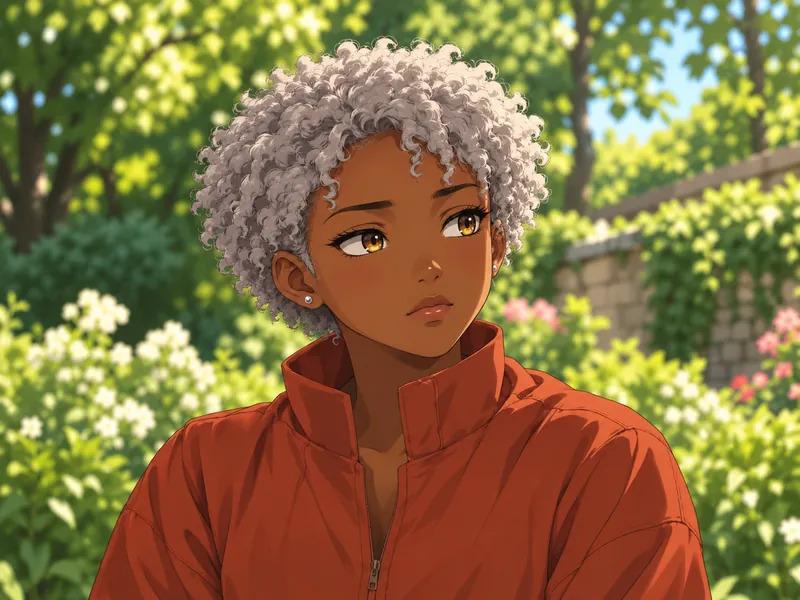
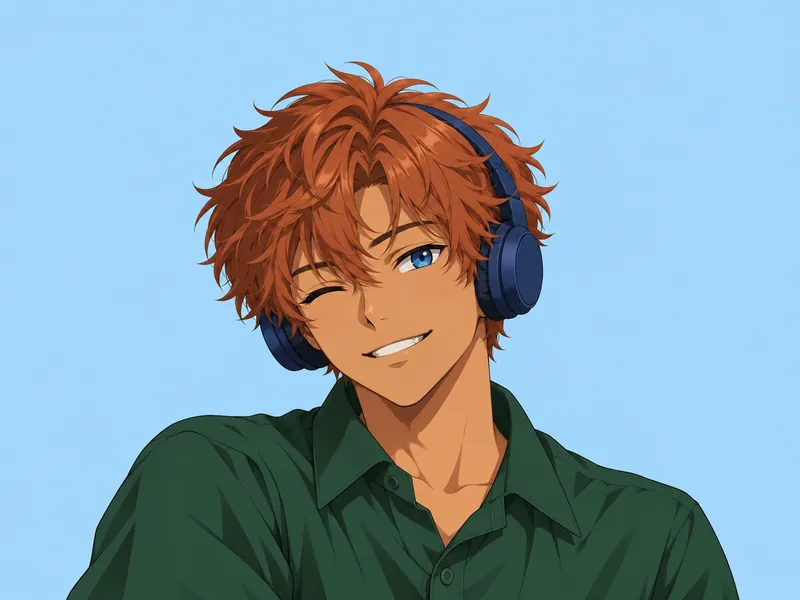
Each card starts with a different original character and a portrait that works at small size. Use an idea to load its settings, then replace the identity details with yours. The landscape previews give the face room to breathe; your generated portrait uses a square canvas. These are individual designs, not a bundle of pictures generated together.
Art styles
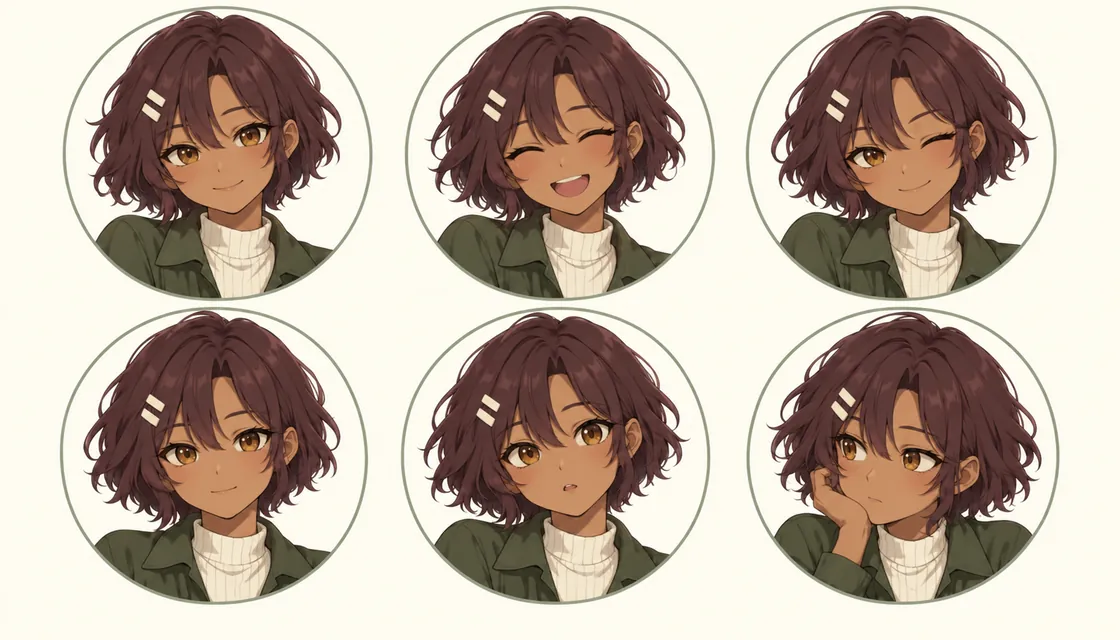
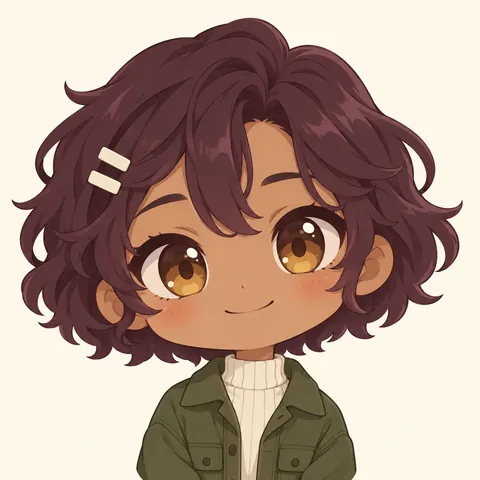
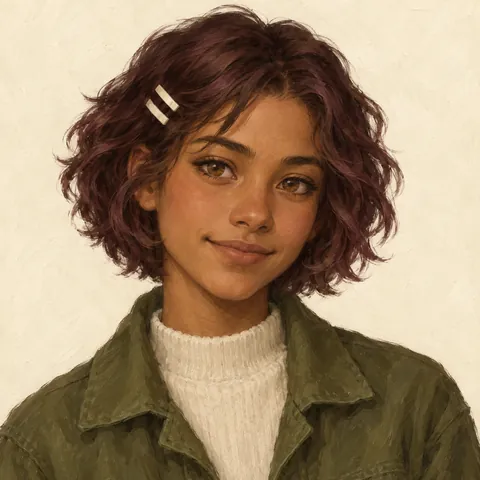
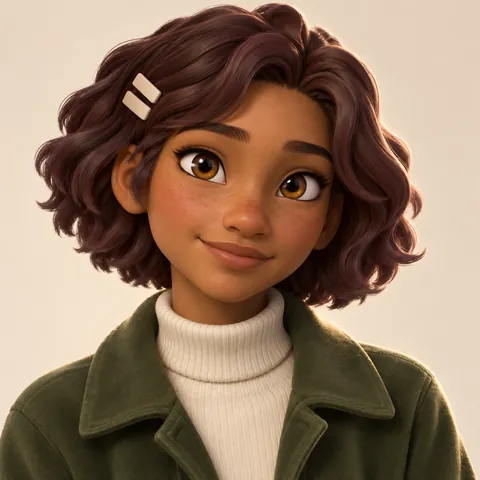
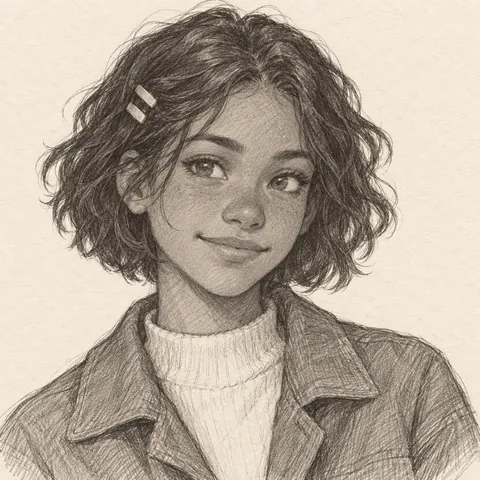
Rowan Larkspur keeps the same brown skin, plum-brown bob, amber eyes, ivory hair clips, and moss jacket in every sample. Anime uses crisp lines; chibi changes the proportions; semi-realistic painting uses softer shapes; 3D gives the hair and clothing depth; pencil pares the design down to graphite. The expression sheet shows how a set can stay coherent. Its soft rings illustrate crop planning, not a downloadable platform template or a promise of identical AI results.
Know the rules
A profile picture has two jobs: it should read as your character at a glance and survive a smaller display. These are composition suggestions, not guaranteed platform crop measurements. Start with a centered square master, keep essential features away from the corners, and review the actual crop before saving in each app. Official help pages below distinguish upload guidance from displayed size.
Sources: X: customize your profile; YouTube: channel branding; TikTok: add a profile photo; Discord: custom profiles; Instagram: add a profile picture
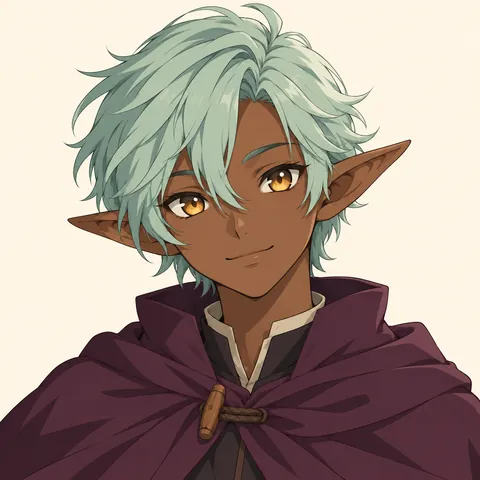
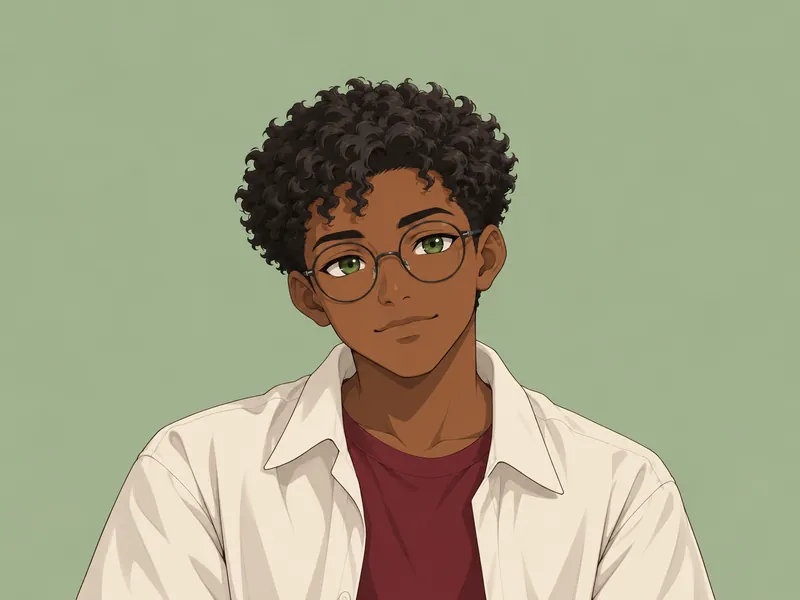
A close-up makes an expression readable before viewers can inspect the outfit. Keep the complete hair shape visible rather than filling every pixel with a face. Choose one clear feature, such as round glasses or a short fringe, and keep it away from the corners. In a circular display those corners disappear first. If the portrait feels cramped, choose Extra room rather than shrinking the face until the expression vanishes. A tiny accessory can support an identity, but it should not be the only way someone recognizes the character. Check the thumbnail with your screen zoomed out before committing.
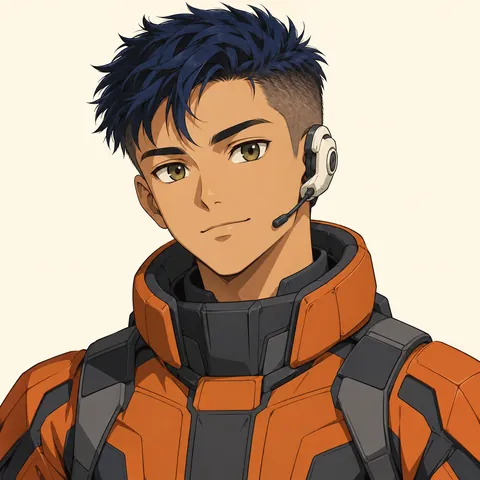
A bust portrait gives the shoulders and neckline enough room to explain the character. A padded sci-fi flight collar immediately suggests a different world from a linen tunic, even when both portraits use the same framing. Keep clothing fully covering and choose one strong color near the face. Complicated chest patterns often become noise at chat size, so save the detailed outfit for the full-body OC page. A collar or scarf can echo the background without merging into it. If you need the same avatar in both light and dark interfaces, check that the hair edge remains visible against the chosen background in both settings.
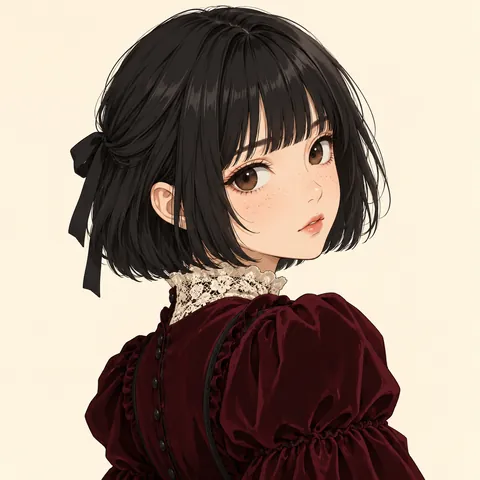
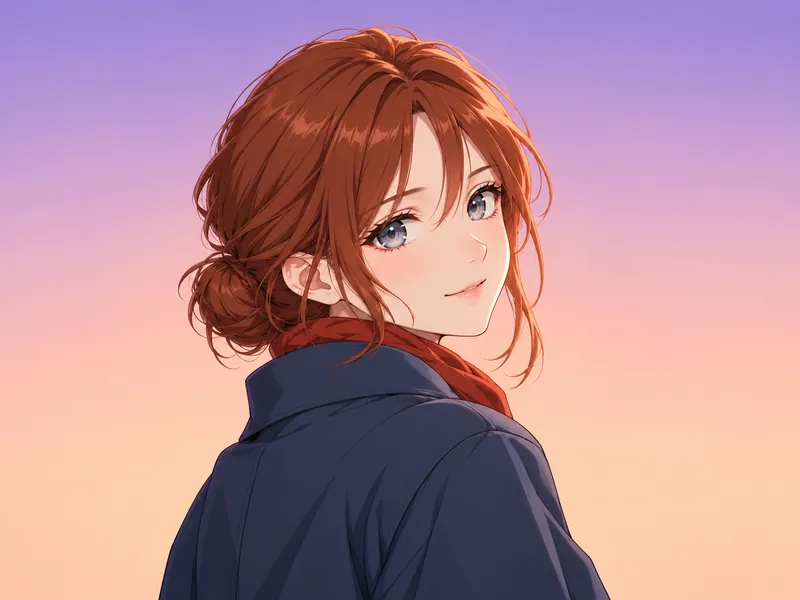
A looking-back portrait can suggest a curious, reserved, or adventurous character. Keep the head turn modest enough that the eyes and mouth remain readable. The gothic dress shoulder creates a useful shape, but it should not take over the center of the picture. Leave room for the far side of the hair and any hair ribbon. For a matching pair, turn the other OC in the opposite direction and keep both faces at a similar height. Create each portrait separately so each person remains the main subject of their own square.
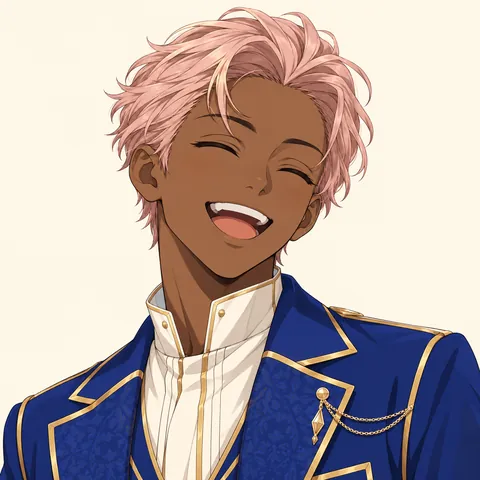
A laughing portrait can stay recognizable without showing the iris color. Hair shape, skin tone, collar, and an accessory become the anchors instead. Use a relaxed happy expression rather than an extreme pose that distorts the whole face. The stage performer uses rose hair and a blue jacket with gold piping as recognizable cues. The quiet cream background keeps the cheerful face in focus. When building an expression set, compare the laughing version with the calm version and check that the nose, hairline, and proportions still belong to the same OC.
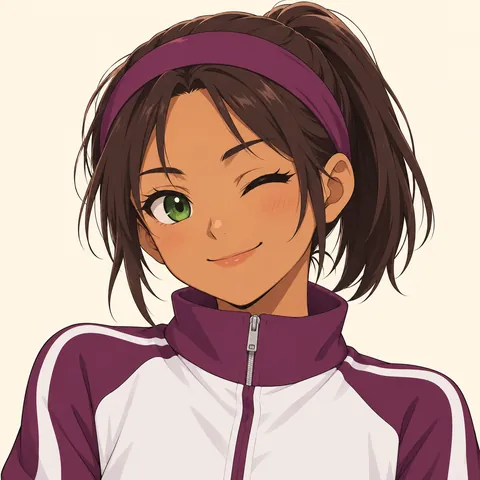
A wink already adds asymmetry, so it rarely needs several other visual tricks. Keep one eye clearly readable and let the smile stay friendly. A plain sports headband can anchor the hairstyle without covering the face. The plum athletic collar repeats its color for a coherent sporty look. Avoid making a large hand gesture the center of the portrait; it can crowd the mouth or disappear under the platform crop. If you are making a friend set, give one OC a wink and the other a small smile while keeping the lighting direction and background family alike. That creates a relationship without making them duplicates.
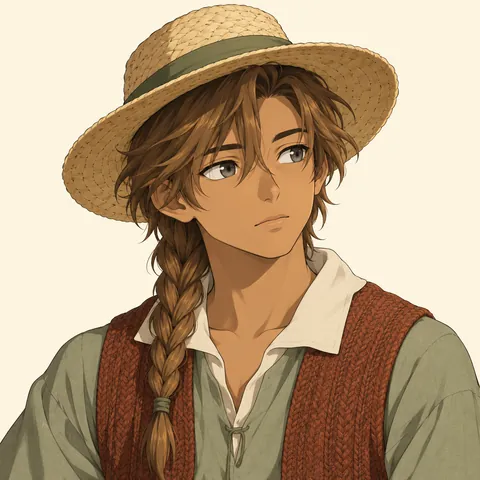
A reflective avatar does not need to hide the face in shadow. A small change in gaze, an eyebrow lift, and a quieter mouth can communicate thoughtfulness while preserving readability. Keep the light soft enough to show the eyes and separate the hair from the background. The cottage portrait uses a straw hat, a single braid, and linen layers to suggest a quiet outdoor life against a simple cream ground. Do not place an important object far behind the shoulder and expect it to survive a circular crop. If the background tells a story, let it remain a suggestion rather than a second scene.
The square file and the displayed avatar are different things. Plan for a circular mask by keeping the eyes, mouth, glasses, and defining accessory near the center. Leave a little breathing room above the hair and below the chin, then inspect the destination app's preview. These controls describe the composition to the image model; they are not a pixel-accurate crop editor. The soft rings in Rowan's example sheet are visual guides only. Do not request a drawn ring in your final portrait unless you actually want that ring to become part of the artwork.
Names and details
Anime is a visual medium, not a single naming system. Your OC can belong to a modern town, an invented fantasy setting, or a world you have already written. This local mixer combines an English given name with a nature-inspired surname as a starting point; it does not claim to generate authentic Japanese names. Keep your established OC name if you have one. Picking a detail sends it into the portrait notes, while the name labels the character card rather than asking the image to draw lettering.
Given name + nature-inspired surname
Carry the same small detail through each expression.
Guide
Treat the first portrait as a design decision rather than the final word. Work from identity to expression to crop. A clear written character description is easier to reuse than a long list of unrelated aesthetic tags, especially when you want matching pictures across several accounts.
Begin with the OC rather than a pile of aesthetic adjectives. Write their skin tone, hair length and shape, eye color, clothing near the neck, and one defining accessory. For Rowan, the short plum-brown bob and two ivory clips matter more than a long list of moods. Keep those details in the description and use the Keep this detail field for the feature that must survive each revision. If your character already has a full-body design, choose the collar and colors from that design. A portrait should feel like a close view of the same person, not a replacement who happens to share a name.
Use Close-up when the expression is the point, Bust when the outfit helps identify the OC, and Shoulder when the turn adds personality. Then choose an expression and a gaze that agree. A laughing expression usually works with closed eyes; a thoughtful expression can look slightly past the viewer. Keep the circle-safe choice practical: clips need room beside the temple, a bun needs space around the head, and glasses should stay near the center. These choices guide the generated composition. They do not crop an existing photo, and this page has no photo-upload control.
Pick a background that supports the silhouette. Dark hair can disappear against a dark city blur, while pale hair can blend into cream. Change the background before adding more accessories. Flat colors are a good starting point; a gentle gradient can add atmosphere without drawing attention away from the face. If you prefer scenery, ask for blur and keep the colors simple. Choose lighting that reveals the eyes instead of hiding them. Before generating, read the description once as a whole and remove contradictions such as a fully frontal view paired with a strong over-the-shoulder turn.
For friends or couples, choose a shared visual rule: the same background family, opposite gaze directions, matching shoulder height, or one accent color repeated in both outfits. Keep each OC's face, hair, and signature accessory distinct. Generate one character per image, then use the same composition settings for the second. Do not split a two-person picture down the middle; faces placed near the outside edges are difficult to crop consistently. For a mood set of one OC, reuse the same identity paragraph and change only expression first. AI results can drift, so compare each result rather than assuming a repeated name locks the face.
Keep a square master and inspect the image in the destination app before saving it. X recommends 400 by 400 pixels for profile photos. YouTube describes a rendered size of 98 by 98 pixels, which is a display reference rather than a reason to discard a larger master. TikTok's help gives a minimum of 20 by 20 pixels and includes a crop step; that minimum is far too small for a useful working master. Discord's Custom Profiles guide explains avatar upload, but does not give a universal avatar pixel size. Instagram's help link is included for its upload workflow; do not treat an unverified size chart as an official requirement. Preview circular presentation and small chat-size visibility separately.
Other fandoms
Tools
FAQ
Sign up for 10 bonus credits and make your first OC free.